Digital Product Pricing Strategies for Creators
Digital product pricing strategies that work: value-based pricing, tiers, bundles and anchors, plus how a per-sale fee changes what you keep.

The best digital product pricing strategy for most creators is value-based pricing: set the price by what the product saves or earns the buyer, not by the hours it took you to make. Then add structure around that number with tiers, bundles and a price anchor, and check what your platform takes from each sale before you commit.
That last step is the one most creators skip. If your platform takes a percentage of every sale, a $29 price is not $29 to you. shopspace charges 0% per sale for a flat $19 a month billed yearly, so the price you set is the price you keep, apart from card processing.
Below are six strategies that work for downloads, templates, courses and memberships, how to combine them, and the fee math that decides what actually lands in your account.
Why digital products are priced differently
A physical product has a unit cost, so pricing starts with "what does one cost me to make and ship?" A digital product costs almost nothing to deliver the hundredth time. That sounds like freedom, but it removes the natural floor, which is why so many creators end up guessing and picking a number that feels safe.
Four things should drive the number instead:
- The outcome for the buyer. What does the product save them in time, money or frustration?
- Your audience. A warm email list that trusts you tolerates a higher price than cold social traffic.
- The alternatives. What do similar products cost, and what would it cost the buyer to figure this out alone?
- Your fixed costs. Tools, hosting and the platform fee still have to be covered by your sales.
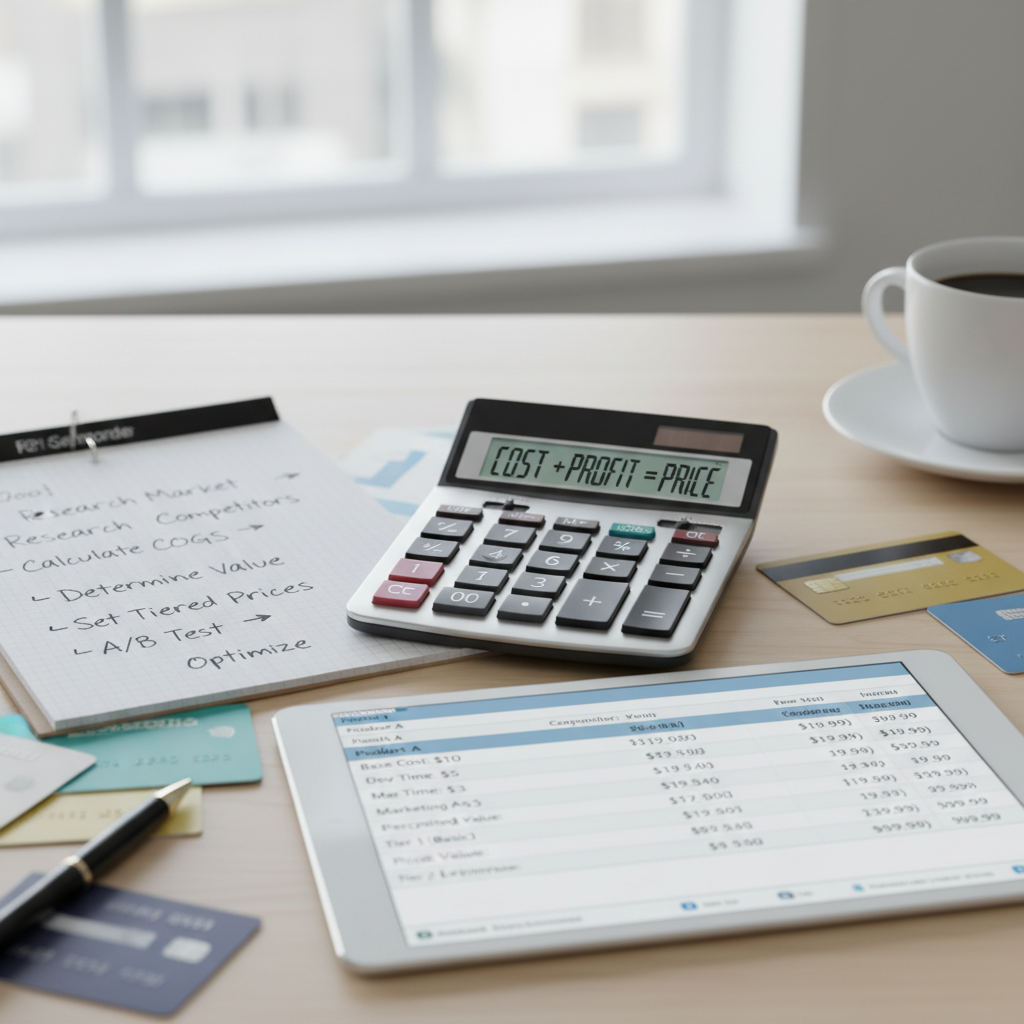
1. Value-based pricing: start from the outcome
Value-based pricing means you price against the result, not the effort. Write the outcome in one sentence ("set up a client onboarding system in an afternoon"), estimate what that is worth to the buyer, then price at a fraction of it so buying feels like an easy yes.
For illustration: if a template saves a freelancer five hours of setup, and their time is worth $40 an hour, the outcome is worth about $200 to them. A $29 price is a clear bargain from where they sit, even though the template took you one weekend. This is the strategy that stops you underpricing, because it moves the question away from your hours and toward the buyer's gain.
2. Cost-plus pricing: use it as a floor, not a price
Cost-plus pricing (costs plus a markup) is weak on its own for digital products, because the cost per copy is close to zero. It is still useful as a floor. Add up your monthly fixed costs, divide by the number of sales you realistically expect, and you have the minimum each sale has to cover before you make a profit.
For example, if your tools and platform cost $60 a month and you expect 20 sales, each sale has to cover $3 before it earns you anything. Any price below that loses money, whatever the value argument says.
3. Tiered pricing: give buyers three ways to say yes
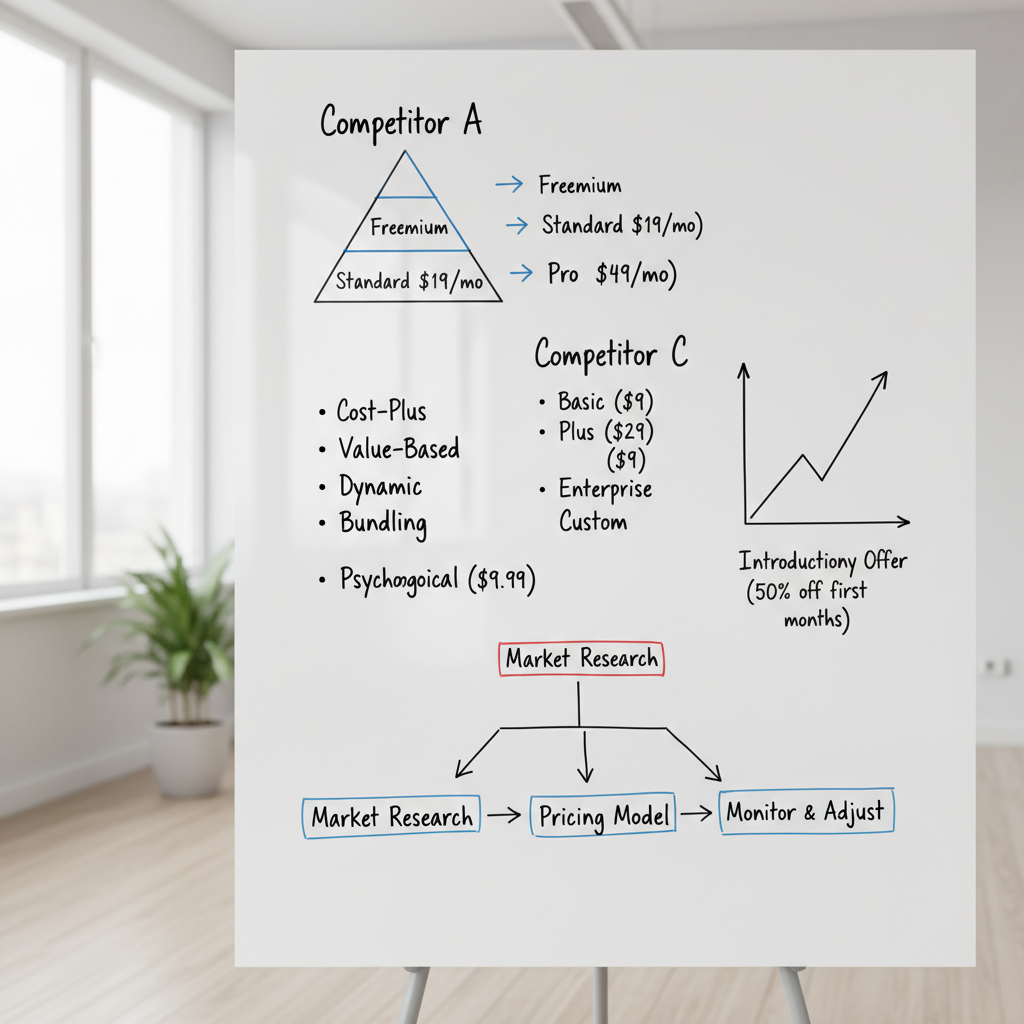
Offering two or three versions of the same product lets buyers self-select by budget and commitment. A common shape:
- Basic: the core product on its own.
- Standard: the core plus extras such as templates, examples or a workbook.
- Premium: everything plus access to you, for example a call or a feedback session.
The middle tier usually does the heavy lifting. Next to the premium tier it looks reasonable, and next to the basic tier it looks complete. You do not need all three on day one: launch with two and add the premium tier once you have testimonials that justify it. Online course pricing walks through a full three-tier stack for courses.
4. Bundles and order bumps: raise the average order
Once you have more than one product, bundles let you sell several together at a lower combined price than buying each separately. The buyer gets a better deal, and your average order goes up without raising the price of any single product.
An order bump works the same way at a smaller scale: a related, cheaper product offered at checkout, often at a small discount, so the buyer adds it with one click. A template pack as a bump on a course, or a workbook as a bump on an ebook, are natural pairs. shopspace supports both: bundles are a product type in the store, and any product can carry an order bump with an optional discount at checkout.
5. Psychological pricing and anchors
A few presentation choices change how a price feels without changing the product:
- Charm pricing. $27 reads as "twenties" and $30 reads as "thirty". It is a small effect, but it costs nothing.
- Anchoring. Show the premium tier first, or show the value of the bundle next to its price, so the number the buyer compares against is higher.
- Honest launch pricing. A founding price for early buyers with a real end date creates urgency without inventing scarcity.
Use these to present a good price well. They do not rescue a price that is wrong for the audience.
6. Pick the pricing model before the number
The same content can be sold under different models, and each suits a different product:
| Model | Fits best | Watch out for |
|---|---|---|
| One-time payment | Ebooks, templates, self-paced courses | Revenue only comes from new buyers |
| Subscription or membership | Content that updates, communities, live calls | Churn once members feel they are done |
| Free entry point (lead magnet) | Building an email list before you sell | The free piece has to be genuinely useful |
| Tiers | Courses and coaching with a support option | Too many tiers confuse buyers |
A lead magnet is the honest version of "freemium" for creators: a free download that earns you an email address, followed by a paid product for the people who want more.
How platform fees change the price you keep
Here is the part pricing guides leave out. If you sell on a platform that takes a percentage of every sale, that percentage comes out of every price you choose. Raise a $29 product to $39 and a 10% platform cut goes from $2.90 to $3.90 per sale. The fee grows with every pricing win.
The table compares what the platform takes at two monthly revenue levels. The 5% and 10% columns are illustrative percentage cuts, not any specific platform; check your own platform's pricing page for its real number. Card processing (Stripe or PayPal) applies on every platform, so it is left out to keep the comparison fair. The shopspace line uses the $19 a month billed yearly price ($29 month to month).
| Monthly sales | Platform taking 5% | Platform taking 10% | shopspace (0%, $19/mo yearly) |
|---|---|---|---|
| $500 | $25 taken, you keep $475 | $50 taken, you keep $450 | $19 taken, you keep $481 |
| $2,000 | $100 taken, you keep $1,900 | $200 taken, you keep $1,800 | $19 taken, you keep $1,981 |
The break-even is simple: a flat $19 costs less than a 10% cut once you sell more than $190 a month, and less than a 5% cut above $380 a month. If you are still testing and selling less than that, a percentage-only platform can be the cheaper choice for now. For the full picture, see how to sell digital products without transaction fees.
At $2,000 a month in sales, a 10% cut is $200 you priced in and never see. Start a 7-day free trial of shopspace and keep it: 0% per sale, flat $19 a month billed yearly.
Common pricing mistakes
- Underpricing to feel safe. A low price does not remove the fear of rejection; it just means you need many more buyers to reach the same income.
- Forgetting the platform fee. Model what you keep, not what the buyer pays. Our Gumroad fees breakdown shows how a per-sale cut adds up at real price points.
- Discounting all the time. Constant sales teach your audience to wait. Keep discounts for launches and real events.
- Never revisiting the price. A price set with zero testimonials is rarely right once you have twenty.
How to test and raise your price
You do not need special software to test a price. Change it for a set period, such as two to four weeks, and compare sales and revenue with the period before. Look at revenue, not only the number of buyers: fewer sales at a higher price can still mean more money.
When you raise the price, announce a date in advance, honour the old price for anyone who already bought, and do not apologise. A price increase backed by results reads as confidence. If you are still choosing what to sell in the first place, start with the best digital products to sell and come back to pricing once you know the format.
FAQ
What is the best pricing strategy for digital products? Value-based pricing, checked against a cost-plus floor. Price against the buyer's outcome, make sure every sale covers your fixed costs, then add tiers or bundles once you have more than one product.
Should I sell one-time or by subscription? One-time for finite products with a clear end, subscription when the value keeps coming, such as a community, new content each month or live calls.
How often should I review my prices? Whenever something changes: new testimonials, new content, or a clear shift in demand. For most creators that means every few months.
Which pricing strategy should you use?
If you are pricing your first product, start with value-based pricing, sanity-check it against your cost floor, and launch with one price or two tiers. Once you have a second product, add a bundle and an order bump to lift your average order. And before you settle on any number, make sure your platform is not quietly taking a share of every price increase you earn.
When you are ready to put your price live, start a 7-day free trial of shopspace. A card is required at signup and nothing is charged for 7 days, and you can sell downloads, courses, memberships and bundles from one store with 0% taken per sale.