How to Sell Digital Products Online: A Beginner's Guide
How to sell digital products online in 8 steps, from first product to first sale, plus what Gumroad, Payhip and Sellfy take at $500 and $2,000 a month.
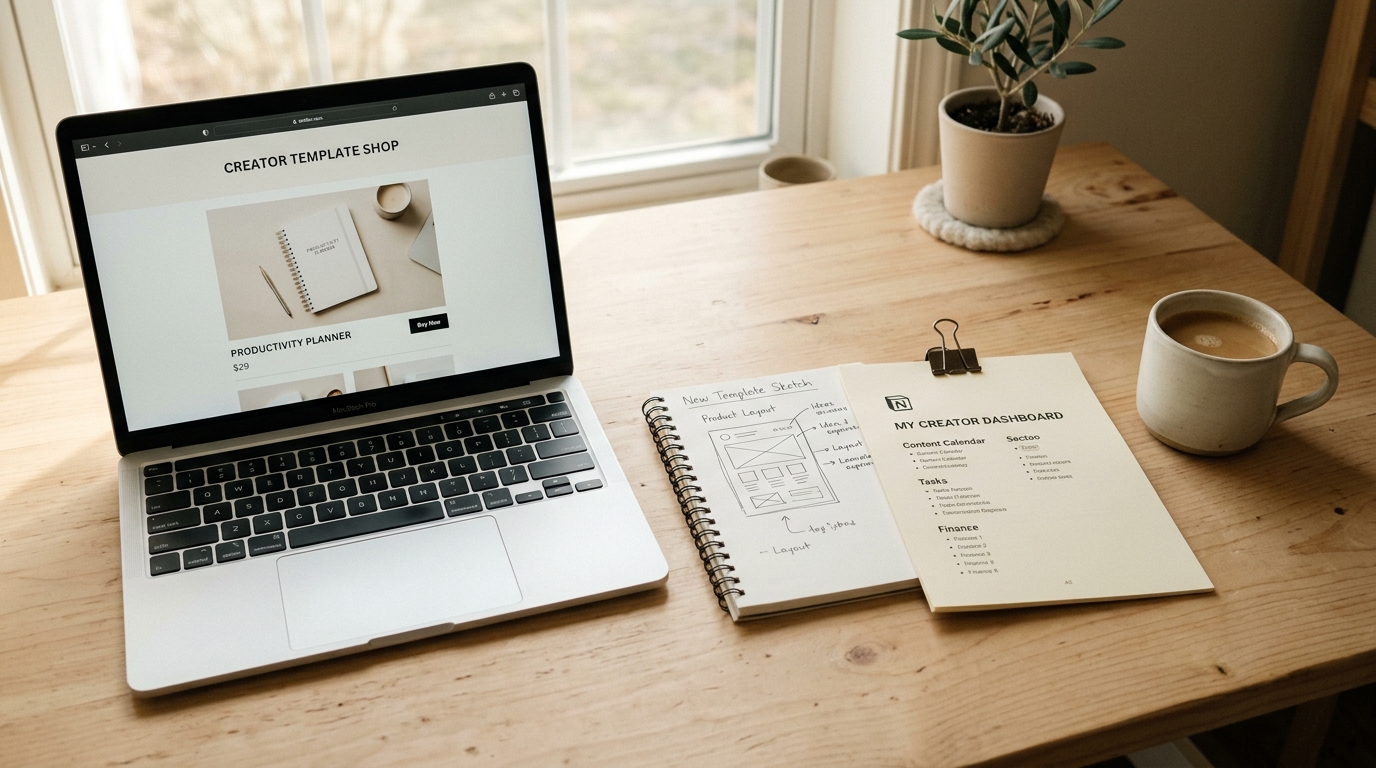
To sell digital products online, pick one product you can finish this week, make a simple version that delivers one clear result, put it on a storefront whose checkout delivers the file automatically, connect a payment account, then share one link where your audience already is. The tech takes an afternoon. The first sale is the real work.
Every step below can be done on shopspace, which charges 0% per sale for a flat $19 a month billed yearly, but the steps work on any platform, and the fee comparison in step 3 includes the free options.
What counts as a digital product (and what sells)
A digital product is anything you can deliver without shipping a box:
- Templates: Notion dashboards, Canva social kits, spreadsheets, Figma UI kits.
- Presets and assets: Lightroom presets, sound packs, fonts, stock photos.
- Written guides: PDF checklists, ebooks, swipe files.
- Lessons and courses: a recorded workshop, a mini-course, a full course.
- Memberships and communities: a private community, a monthly resource drop, members-only content.
- Calls and events: coaching sessions, live or recorded webinars.
What sells best for beginners: a product that solves one specific problem for one specific person. A "client invoice tracker for freelance designers" sells faster than a "business productivity bundle", because the right buyer recognises themselves in the title. If you are still choosing, see the best digital products to sell.
Step 1: Pick one product and one buyer
The biggest mistake new sellers make is building three products at once and shipping none. Pick the format you can finish this week:
- If you write: a PDF guide or checklist.
- If you design: a template or preset pack.
- If you teach: a single-topic recorded lesson.
Then check demand before you build. What do people already ask you about? What do they struggle with in the comments, forums and groups you read? If similar products exist and sell, that is good news: there is a market, and your angle is what makes yours different.
Step 2: Make the minimum viable version
Minimum viable means it delivers the promised result. It does not mean sloppy.
- PDF guide: write it in Google Docs, export as PDF, one focused topic with clear headers.
- Template: build it in the real tool, reset it to a clean state, then share the duplicate link or export the file.
- Preset pack: 5 to 10 presets plus a short note on what each one is for.
- Recorded lesson: 20 to 40 minutes. Clear audio matters more than a studio.
Write the promise in one sentence before you start: "After this, you will be able to X." Then give it to two or three people from your target audience before launch and ask what was unclear. Their answers improve the product and often become your first testimonials.

Step 3: Choose where to sell (the fees decide what you keep)
Platforms charge in one of two ways: a percentage of every sale (often with no monthly price), or a flat monthly price with no cut. The table shows what each takes at two monthly sales levels, assuming a $25 average price (20 sales at $500, 80 sales at $2,000), on month-to-month prices as of September 2026. Card processing (Stripe or PayPal) applies on every platform, so it is left out to keep the comparison fair.
| Platform | How it charges | Taken at $500 a month | You keep | Taken at $2,000 a month | You keep |
|---|---|---|---|---|---|
| Gumroad (direct sales) | 10% + $0.50 per sale | $60 | $440 | $240 | $1,760 |
| Payhip Free | 5% per sale | $25 | $475 | $100 | $1,900 |
| Payhip Plus | $29 a month + 2% | $39 | $461 | $69 | $1,931 |
| Sellfy | $29 Starter; $79 Business at $2,000 | $29 | $471 | $79 | $1,921 |
| shopspace Creator | $29 a month, 0% | $29 | $471 | $29 | $1,971 |
Sellfy's Starter plan caps yearly sales at $10,000, so $2,000 a month ($24,000 a year) needs the Business plan. Billed yearly, shopspace Creator is $19 a month ($228 a year), which leaves you $481 and $1,981. Sources: Gumroad, Payhip, Sellfy.
At $2,000 a month, Gumroad's cut is $240 you never see, and it grows with every sale. Start a 7-day free trial of shopspace and keep it: 0% per sale for a flat $19 a month billed yearly.
Where the others win. If you sell less than a few hundred dollars a month, Payhip's free plan costs less: a flat $19 (billed yearly) only beats a 5% cut above $380 a month. Gumroad's Discover and Etsy are marketplaces that can send you buyers (Gumroad takes 30% on Discover sales); shopspace brings no traffic, you bring it. And if you sell to EU buyers, Payhip collects and remits EU and UK VAT, and Gumroad acts as merchant of record and handles sales tax and VAT; shopspace does neither. Flat-price platforms like Stan Store (Creator $29 a month, 0%) land where shopspace does on this table, so compare what the plan includes: Stan puts email broadcasts on its $99 Creator Pro plan, while shopspace includes email campaigns on Creator. For the full field, see where to sell digital products.
Step 4: Set up your store and first product page
On shopspace the setup looks like this, and most platforms follow a similar path:
- Create your store and pick its name and look.
- Connect Stripe. Payments go straight to your own Stripe account; shopspace never holds your money.
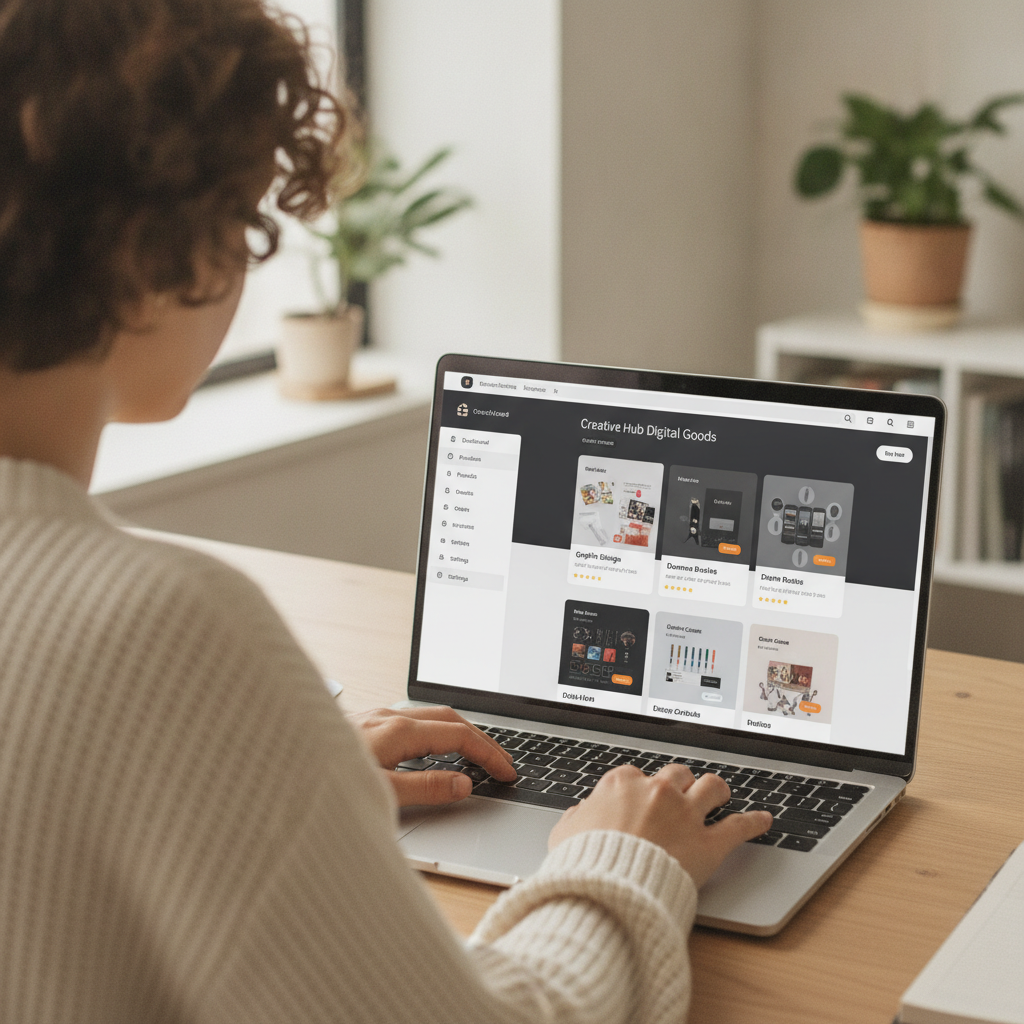
- Add a product and choose the type: digital download, course, membership, booking, webinar, bundle or lead magnet.
- Upload the file, set the price, add a cover image. A clean mockup or screenshot of the real product beats a stock photo.
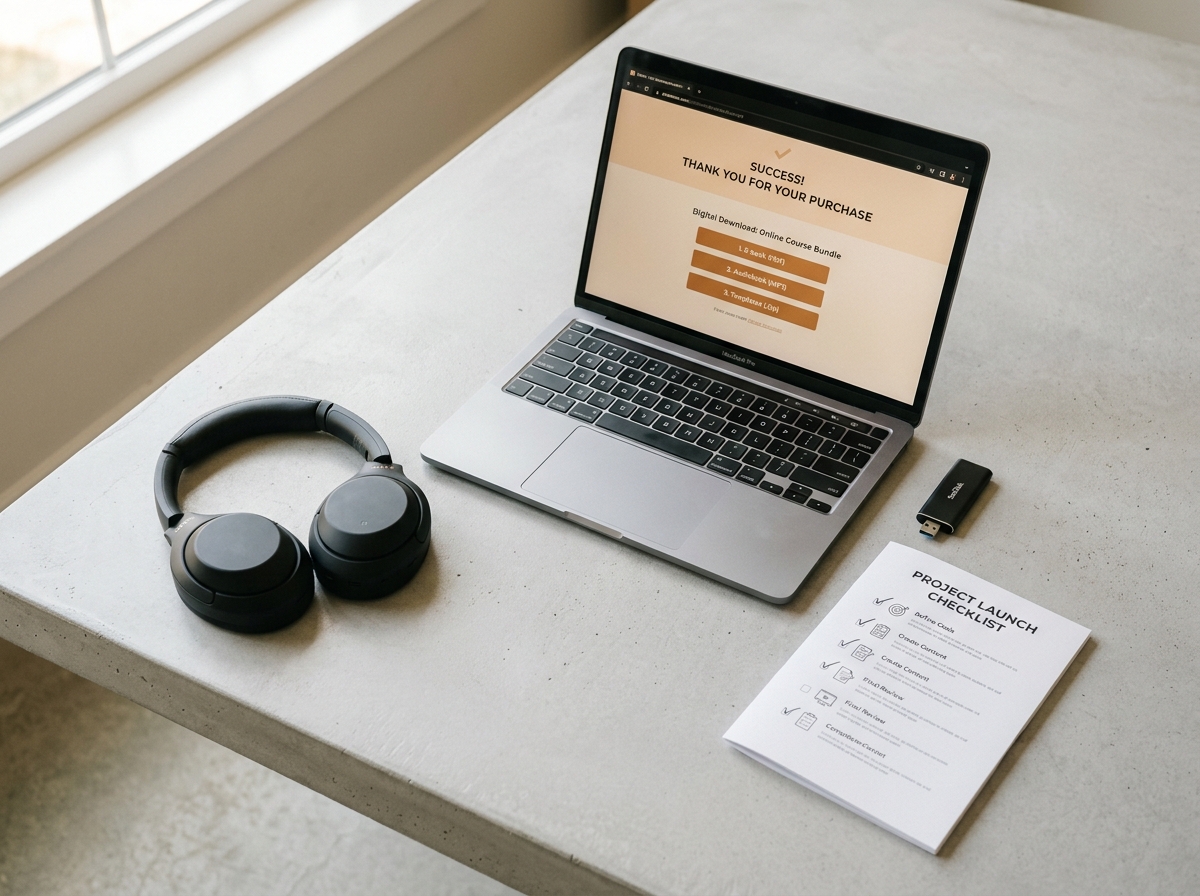
- Publish. When someone buys a download, they get an email with a download button right after checkout.
Then write the product page around the outcome, not the file:
- Headline: the result. "Lightroom presets that make outdoor portraits look film-developed" beats "Preset Pack Vol. 1".
- First lines: who it is for and what problem it solves.
- What's included: a specific list ("12 presets, a before-and-after guide, a 10-minute walkthrough").
- Proof: one real testimonial from a beta reader, or a before-and-after example.
- Price and button: visible and simple. A checkout with extra steps loses buyers.
Step 5: Test a purchase yourself
Before you share the link, buy your own product once. Check that the checkout works on your phone, that the delivery email arrives and that the file opens. You can refund the payment from your Stripe dashboard afterwards. This five-minute check catches the broken link that would otherwise cost you your first buyers.
Step 6: Start collecting emails
Most people who see your product will not buy on the first visit. An email list lets you reach them again. Offer a free lead magnet, such as a short checklist or a sample chapter, in exchange for an email address, then follow up with a short sequence that introduces the paid product. On shopspace, lead magnets are a product type and email sequences are on the Creator plan.
Step 7: Make your first sale
Your first sale comes from a direct ask, not from search traffic:
- Your existing audience: post about the product once on the platform where you are most active, and say exactly who it is for. Message 5 to 10 people who have asked you about the topic.
- Communities: find two or three groups where your buyer spends time. Read the rules, contribute first, share when it is allowed.
- Your email list: 50 subscribers who joined for this topic often beat thousands of casual followers.
- Instagram comments: a "comment GUIDE and I will send it" post with comment-to-DM automation turns engagement into clicks.
- Paid ads: only once organic posts prove the product sells, so you are not paying to test a page that does not convert.
Aim for your first 3 to 5 sales from direct outreach. That is proof the product works.
Step 8: After the first sale
- Ask the buyer what made them buy. The answer rewrites your product page.
- Check where they came from. Put more effort into that channel.
- Build the next product. A $15 PDF can become a $49 template pack, then a course. Once you have two products, a bundle or an order bump at checkout raises the average order. Digital product pricing strategies covers how to price each step.
Common mistakes to avoid
- Launching without marketing. Making the product is half the job; people have to hear about it.
- Ignoring feedback. Early buyers tell you what the next version needs.
- Underpricing to feel safe. A low price does not remove the fear of rejection; it just means you need more buyers.
- Forgetting the platform fee. Model what you keep, not what the buyer pays.
Where should you start?
If you have not made a sale yet and want to spend nothing, start on a free plan and accept the cut per sale. Once you sell steadily, or you want downloads, courses, memberships, email and checkout in one place, a flat price keeps more of every sale.
When you are ready, set up your store on shopspace. The first 7 days are free: a card is required at signup, nothing is charged during the trial, and after that it is $19 a month billed yearly with 0% taken from every sale.