How to Sell Digital Downloads Without Per-Sale Platform Fees
How to sell digital downloads: file prep, pricing, delivery, and what Gumroad, Etsy, Payhip and Sellfy take on 200 sales of a $10 download.

To sell digital downloads, export your file in a format buyers can open (PDF, ZIP, MP3, MP4), put it on a storefront whose checkout sends the file automatically after payment, set a price, and share the product link with your audience. The platform you choose decides how much of each sale you keep, so compare fees before you upload.
If you would rather keep every sale, shopspace charges 0% per sale for a flat $19 a month billed yearly, and a buyer gets their download by email right after checkout.
What sells as a digital download
A digital download is a file the buyer keeps. The formats that sell well for creators:
- Ebooks and PDF guides: checklists, workbooks, how-to guides.
- Templates: Notion, Canva, spreadsheets, résumé and planner templates.
- Presets and assets: Lightroom presets, brushes, fonts, sound packs, stock photos.
- Printables: planners, worksheets, wall art.
- Audio and video files: a recorded lesson, a meditation, a sample pack.
Courses and memberships are different products: the buyer gets ongoing access rather than a file. If your content is a series of lessons, sell it as a course instead.
Prepare your files
- Use formats anyone can open. PDF for documents, MP3 for audio, MP4 for video, JPG or PNG for images.
- Bundle multiple files into one ZIP with clear file names, so the buyer is not left with "final_v3_REAL.pdf".
- Add a short read-me that says what is inside and how to use it, especially for presets, fonts and templates.
- Check quality before launch. Open every file on a different device. A broken link or a missing font is the most common refund reason.
- Make a preview. A mockup or a few sample pages sells the product better than a description.
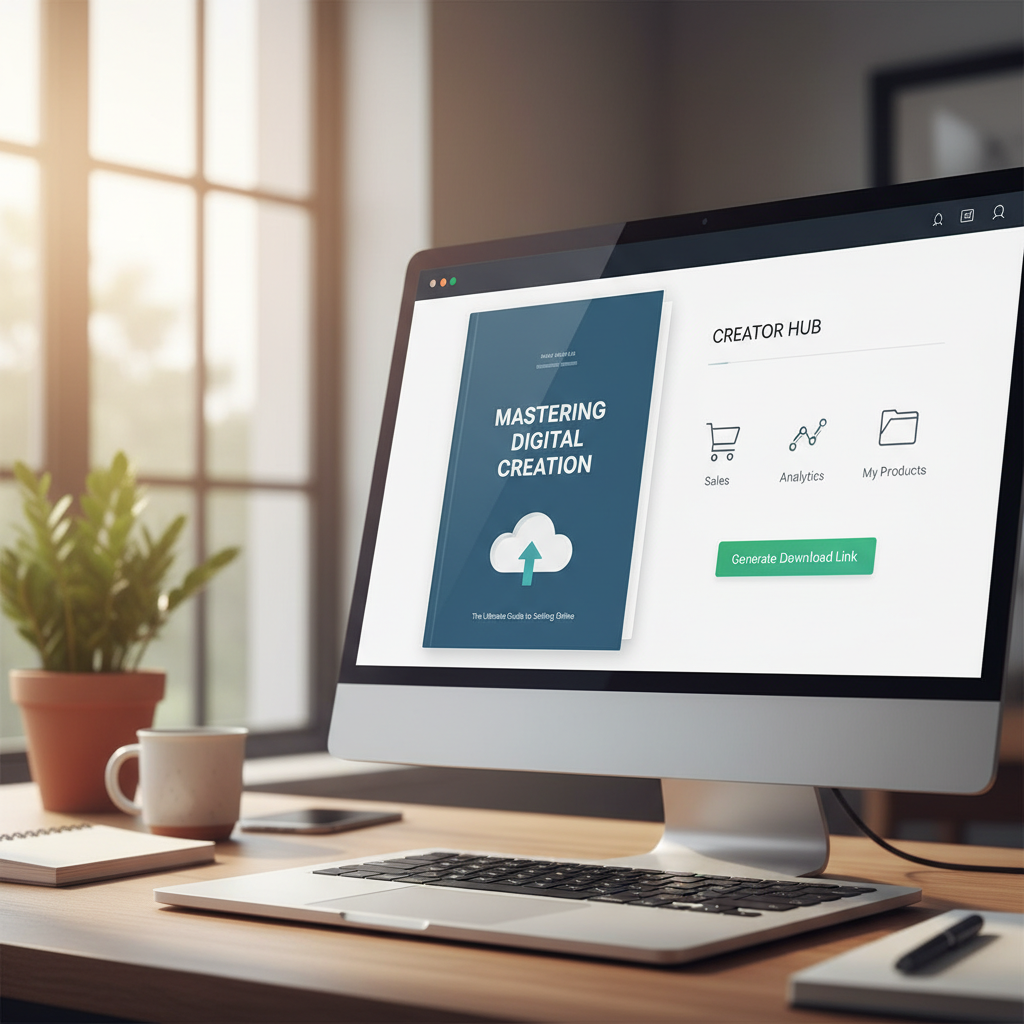
Price your download
Price against what the file does for the buyer, not the hours it took you. A template that saves a freelancer an afternoon of setup is worth more than its page count suggests. Look at what similar downloads sell for, then position yours by the outcome it delivers.
Once you have two or three products, sell them together as a bundle, or offer a cheaper product as an order bump at checkout. Both raise the average order without raising any single price. Digital product pricing strategies goes deeper.
How delivery should work
The buyer pays, and the file arrives on its own. Anything else loses sales. Avoid setups where you email files by hand, or where a link-in-bio page sends people to a shared drive and a separate payment link: every extra step is a place to drop off.
Good delivery means a download link immediately after checkout plus an email with the same link, so the buyer can find it later. Be realistic about protection: once a file is downloaded it can be shared, on any platform. Price for honest buyers and keep improving the product so the latest version is always with you.
Where to sell digital downloads: the fee math
Platforms charge in one of two ways: a percentage of every sale, or a flat monthly price with no cut. Downloads are usually cheap, which makes per-sale fees heavier. The table assumes a $10 average download (50 sales at $500, 200 sales at $2,000) and month-to-month prices as of September 2026. Card processing (Stripe or PayPal) applies on every platform, so it is left out to keep the comparison fair.
| Platform | How it charges | Taken at $500 a month | You keep | Taken at $2,000 a month | You keep |
|---|---|---|---|---|---|
| Gumroad (direct sales) | 10% + $0.50 per sale | $75 | $425 | $300 | $1,700 |
| Etsy | 6.5% per sale, plus $0.20 listing fees | $32.50 + listings | under $467.50 | $130 + listings | under $1,870 |
| Payhip Free | 5% per sale | $25 | $475 | $100 | $1,900 |
| Sellfy | $29 Starter; $79 Business at $2,000 | $29 | $471 | $79 | $1,921 |
| shopspace Creator | $29 a month, 0% | $29 | $471 | $29 | $1,971 |
A few notes on the table. Gumroad's $0.50 per sale hits cheap downloads hardest: at 200 sales that flat part alone is $100 a month. Etsy runs its own payment processing on top of the 6.5%, and adds 15% or 12% on orders that came from its Offsite Ads. Sellfy's Starter plan caps yearly sales at $10,000, so $2,000 a month needs Business. Billed yearly, shopspace Creator is $19 a month ($228 a year), which leaves you $481 and $1,981. Sources: Gumroad, Etsy, Payhip, Sellfy.
Sell 200 downloads at $10 on Gumroad and $300 of your $2,000 goes to the platform every month. Start a 7-day free trial of shopspace and keep it: 0% per sale, flat $19 a month billed yearly.
When another platform is the better choice
- You need buyers, not just a checkout. Etsy and Gumroad's Discover marketplace can put your download in front of people searching for it. shopspace does not bring you traffic; you bring your own. See the Etsy fees for digital products breakdown before you list.
- You are selling very little. Below $380 a month in sales, Payhip's free plan (5% per sale) costs less than a flat $19 billed yearly.
- You sell a lot to EU buyers and do not want to handle VAT. Payhip collects and remits EU and UK VAT, Etsy remits VAT on digital downloads where required, and Gumroad acts as merchant of record. shopspace does not handle VAT for you.
Taxes on digital downloads
Many countries and US states tax digital goods, and EU VAT applies to digital sales to EU consumers based on where the buyer lives. Rules differ by country, so check what applies to you, keep a record of every sale, and consider accounting software or an accountant once sales are steady. If you would rather not deal with it at all, a merchant-of-record platform takes that job on in exchange for its larger cut.
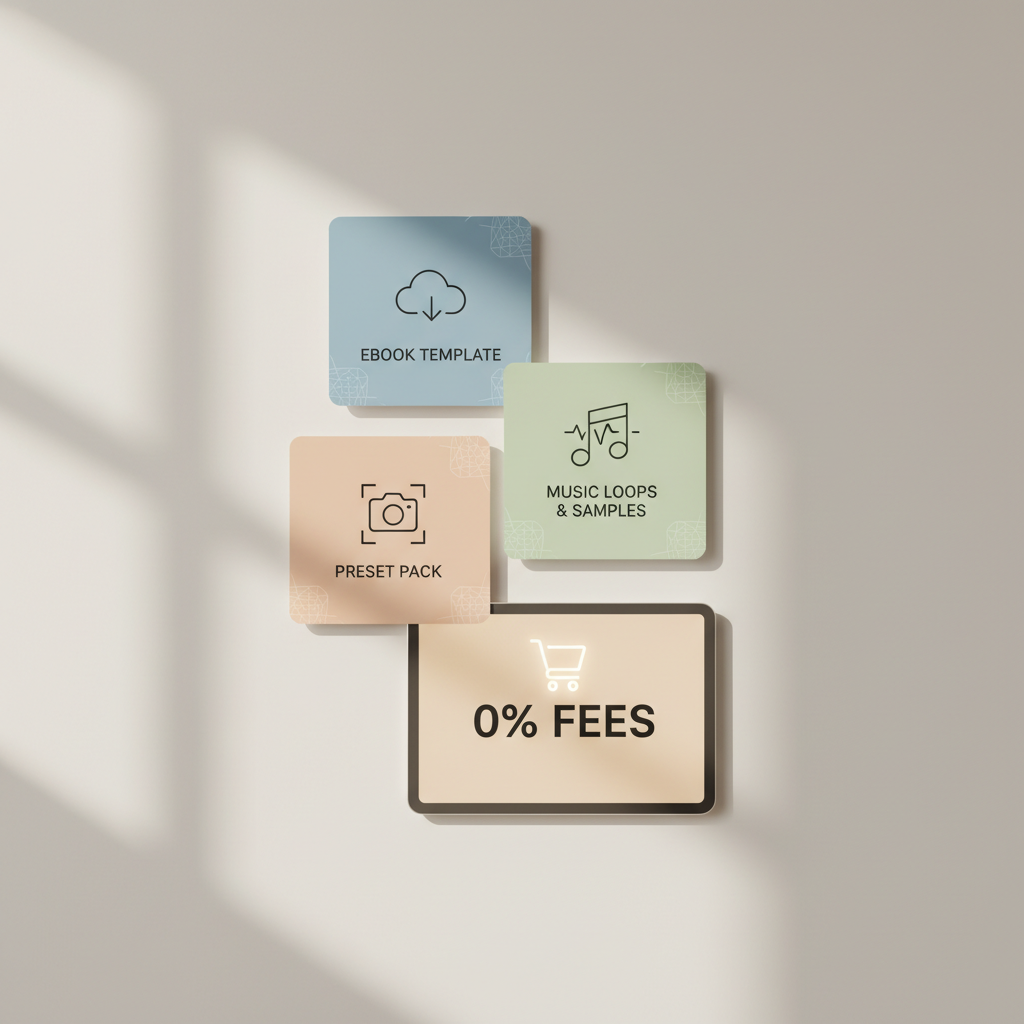
How to sell digital downloads on shopspace
- Start your trial and create your store. Pick a name and a look with the block-based page builder.
- Connect Stripe. Money goes straight to your own Stripe account; shopspace never holds it.
- Add a product, choose "digital download", upload your file, set the price, and add a cover image and a description written around the outcome.
- Add extras if they fit: a bundle, an order bump at checkout, or a free lead magnet to collect emails for later.
- Publish and buy it yourself once to check the delivery email. You can refund the test payment from your Stripe dashboard.
- Share the link in your bio, your emails and your posts. An Instagram comment-to-DM automation, included on Creator, sends the link to everyone who comments your keyword.
For the full store setup, see how to set up a creator storefront.
The verdict
If you are testing your first download and selling a few copies a month, a percentage-only platform is fine. If you want marketplace traffic or VAT handled for you, Etsy, Gumroad and Payhip each earn their cut. But if you bring your own audience and sell steadily, a flat price with 0% per sale keeps the most of every download, especially at low prices where per-sale fees bite hardest.
Try shopspace free for 7 days and put your first download live today. A card is required at signup and nothing is charged during the 7 days; after that it is $19 a month billed yearly, with 0% taken from every sale.