What Is MCP (Model Context Protocol)? What It Means for Your Store
What is Model Context Protocol? A plain explanation of MCP, what it lets an AI do in your store, and how to connect shopspace to Claude.
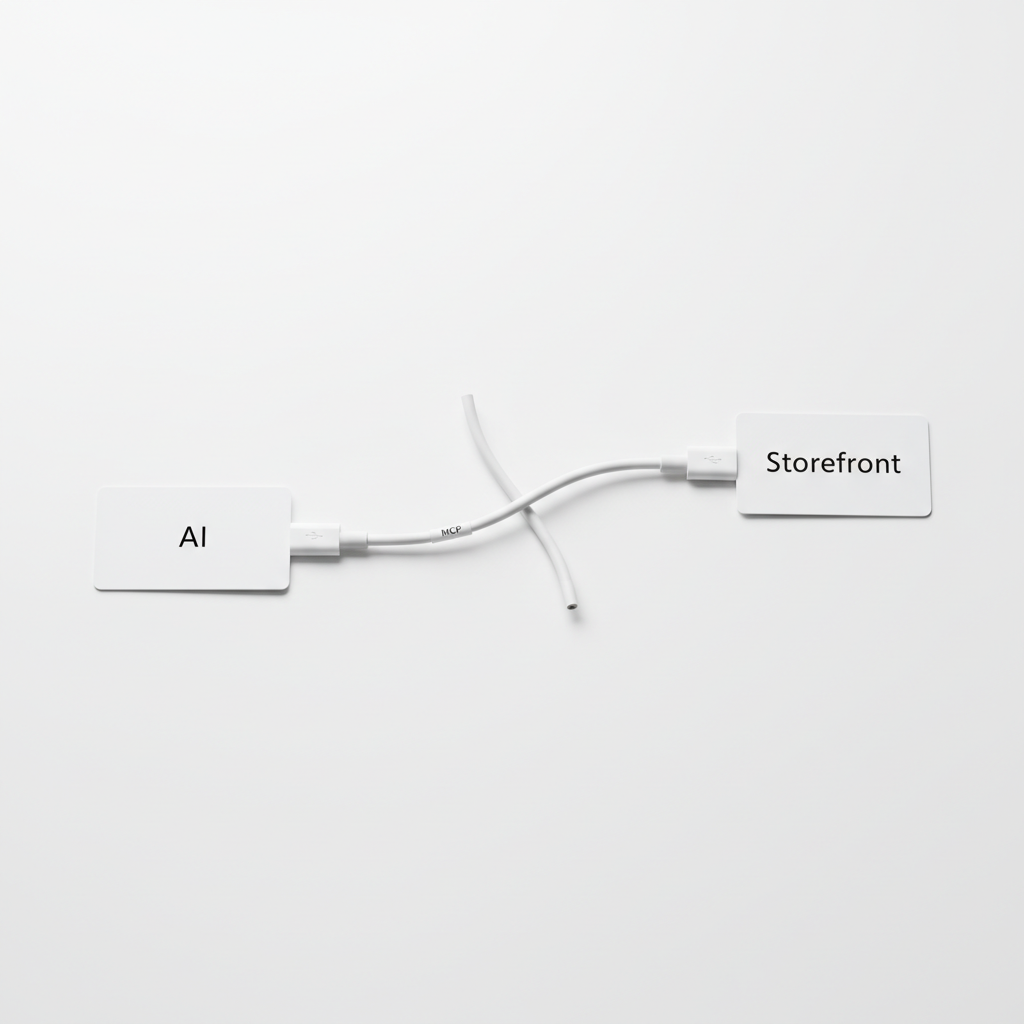
Model Context Protocol (MCP) is an open standard that lets an AI assistant, like Claude, connect to another app and use it on your behalf. Instead of only chatting, the AI can read your data and take actions in that app, such as creating a product or checking recent sales, through one standard connection.
The people behind the standard describe it as a USB-C port for AI: one plug shape, and any app that supports it can connect to any AI client that supports it. (Source: modelcontextprotocol.io)
For a creator, the practical meaning is simple. If your store has an MCP server, you can run parts of it by typing requests to an AI instead of clicking through a dashboard. shopspace has one, included on the Pro plan, and you can try it during the 7-day free trial.
What MCP means in plain language
Think about how an AI assistant normally works. You paste in text, it writes something back, and you copy the result somewhere else. The AI never touches your tools. You are the go-between.
MCP removes the copy and paste. An app that supports MCP publishes a list of things the AI is allowed to do, called tools. A store might offer tools like "list products", "create a product" or "show recent purchases". When you ask the AI for something, it picks the right tool, calls it, and tells you what happened.
Three pieces make it work:
- The AI client. The app you type into, such as Claude.ai, Claude Desktop or Cursor.
- The MCP server. The part of the other app that exposes its tools. This is what shopspace provides.
- Permission. You connect the two and approve access, either by signing in or by pasting a private token. The AI can only do what the server's tools allow, and only on your account.
You do not need to write code to use it. Setting it up is closer to connecting a new app to your Google account than to programming.
Why a creator would want this
Running a small digital business means a lot of small admin jobs spread across screens. Edit a product description here, add a lesson there, check who bought this week, adjust an automation, update a storefront page. Each job takes two minutes. Together they eat the time you meant to spend making the next product.
With MCP, many of those jobs become one sentence each:
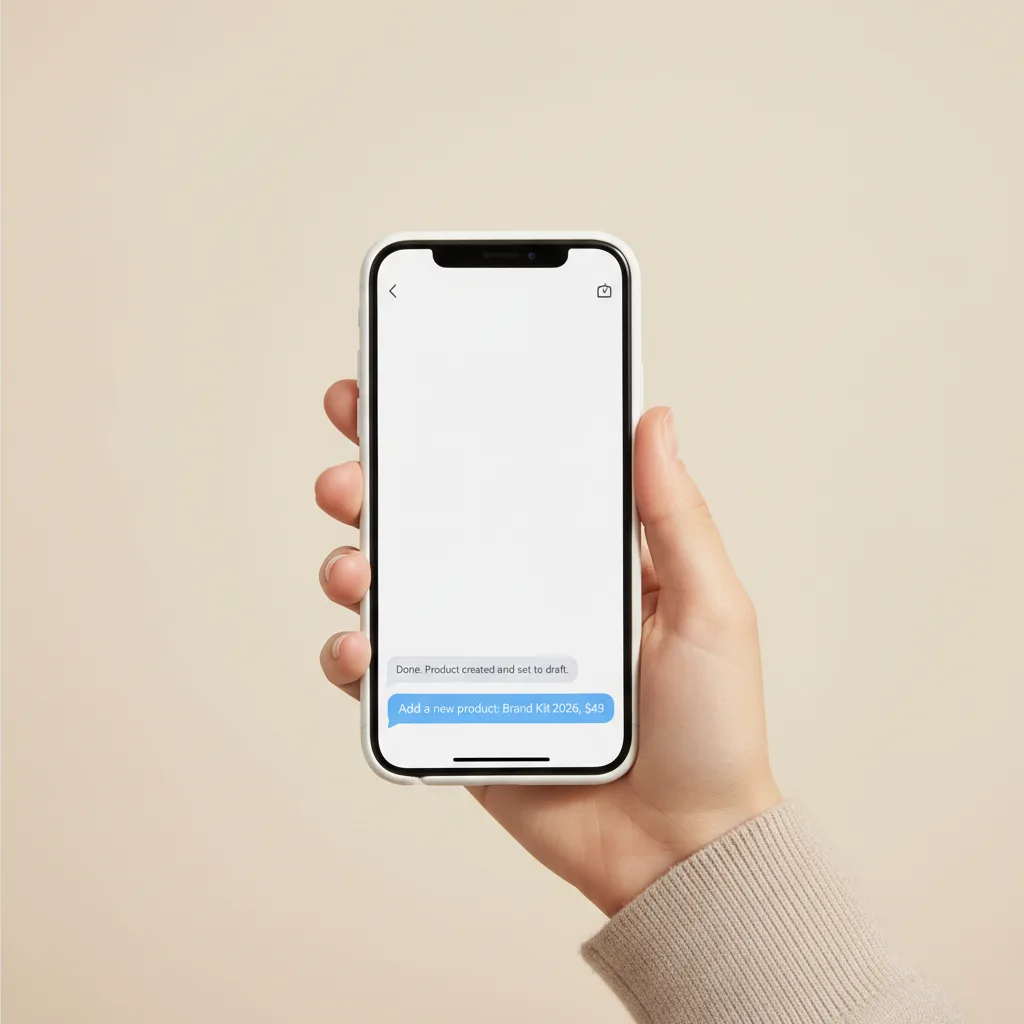
- "Create a digital product called Brand Kit, write the description from these notes, and save it as a draft."
- "Add a new lesson to my photography course called Editing on your phone."
- "Show me my purchases from the last 7 days."
- "Put my new ebook on the store homepage above the FAQ."
The AI does the clicking. You read what it did and decide whether it is right.
If your week is full of two-minute dashboard jobs, that is exactly the work MCP moves into a conversation. Start a 7-day free trial of shopspace and connect it to Claude on day one, since the trial includes Pro features.
What shopspace's MCP server can do
The shopspace MCP server calls the same functions the dashboard uses, so it works on your real store. The tools cover:
- Stores and pages. Create a store, check a store address is available, place text, images, videos, products, FAQs and buttons on a page, reorder blocks and publish.
- Products. Create, edit, reorder and delete products, whether that is a download, a course, a booking, a membership or anything else from the product picker.
- Courses. Create courses and add, edit or remove lessons.
- Automations. Create automations, set their steps, turn them on or off, and read their logs and results.
- Community. Create categories, channels and roles, and set which members can see which channel.
- Sales. List recent purchases and get a summary of your account.
If you already sell with shopspace, a useful first request is "Summarize my recent purchases and tell me which product sold most." It is read only, so nothing changes, and it shows you how the AI talks to your store.
How the loop works in practice
A common worry is that an AI agent will quietly run your business in the background. MCP does not work that way. It is request and response: you ask, the AI calls one or more tools, and it reports back. Nothing happens until you ask for it.
A normal session might look like this:
- You ask: "Draft a new product for my Lightroom presets, priced at $15, and write a short description."
- The AI creates the draft and tells you what it wrote.
- You reply: "Make the description shorter and mention it works on mobile."
- The AI updates the same product.
- You check it in your dashboard and publish when you are happy.
That back and forth is the real advantage over a fixed workflow tool. You describe the outcome in plain words, then adjust it in plain words, without rebuilding anything.
What to watch out for
MCP is useful, but it is not magic, and you should know the limits before you connect anything.
- The AI can misunderstand you. Be specific, keep new products as drafts, and check changes before they go live. Treat the AI like a fast assistant whose work you review.
- Deleting is real. The tools include delete actions. If you ask the AI to remove a product or a lesson, it will. Ask it to confirm before anything destructive.
- Guard your token. An API token gives access to your store. Keep it private, never paste it into a public chat or document, and delete it in Settings if you think it leaked.
- It does not bring you customers. MCP makes running the store faster. Traffic still comes from your content, your audience and your email list. Our guide to building an email list as a creator covers that side.
How to connect shopspace to Claude
MCP access is part of the Pro plan, which costs $39 a month billed yearly or $49 month to month. The Creator plan ($19 a month billed yearly) does not include API or MCP access. During the 7-day trial you get Pro features, so you can test this before paying anything.
For Claude.ai in the browser:
- In your shopspace dashboard, open Settings, then MCP server.
- In Claude.ai, open Settings, then Connectors, and choose Add custom connector.
- Paste the server address:
https://api.shopspace.io/mcp - Click Add, then Authorize on the shopspace page that opens. Claude gets its own access automatically, with no config files.
For Claude Desktop, Cursor or your own scripts:
- In shopspace, open Settings, then API tokens, and click Create token.
- Copy the token. You only see it once.
- Paste it into your tool's MCP configuration, following the example shown on the MCP server page in your settings.
Then ask something simple and read only, like "List my products," to confirm it works.
If you are still setting up your store, start with the basics in our guide to setting up a creator storefront, then connect the AI once you have a few products to manage. If you are planning a recurring offer, how to build a paid membership site walks through the structure.
Is MCP worth it for a creator?
If you run your store alone and spend real time on product edits, course updates, page changes and automation tweaks, yes. MCP turns those jobs into short requests you can make from the same AI chat you already use to write. If you only have one product and rarely change it, the Creator plan without MCP will do everything you need, and you can upgrade later.
The honest test is to try it on your own store for a week. Try shopspace free for 7 days, connect Claude, and see how many dashboard jobs you can hand over. A card is required at signup, nothing is charged for 7 days, and you pay nothing if you cancel inside the trial.