Build your storefront
Your storefront is built from blocks stacked down the page. You add the blocks you want, arrange them, and everything updates live as you work.
Open the Store editor
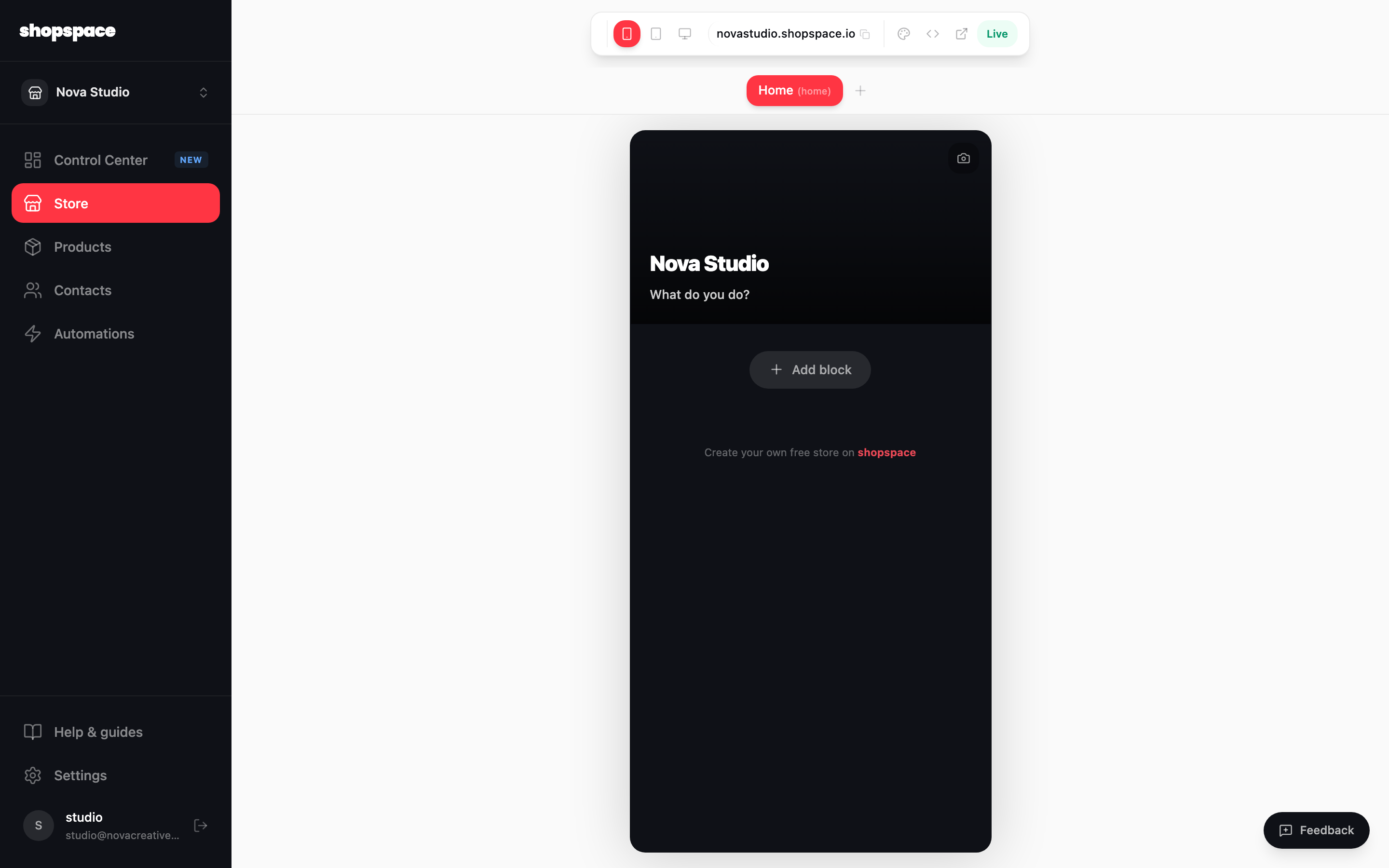
Choose Store in the left menu. You see a live preview of your storefront with its blocks. The toolbar at the top switches devices, previews the live view, and opens your design settings.
Add a block
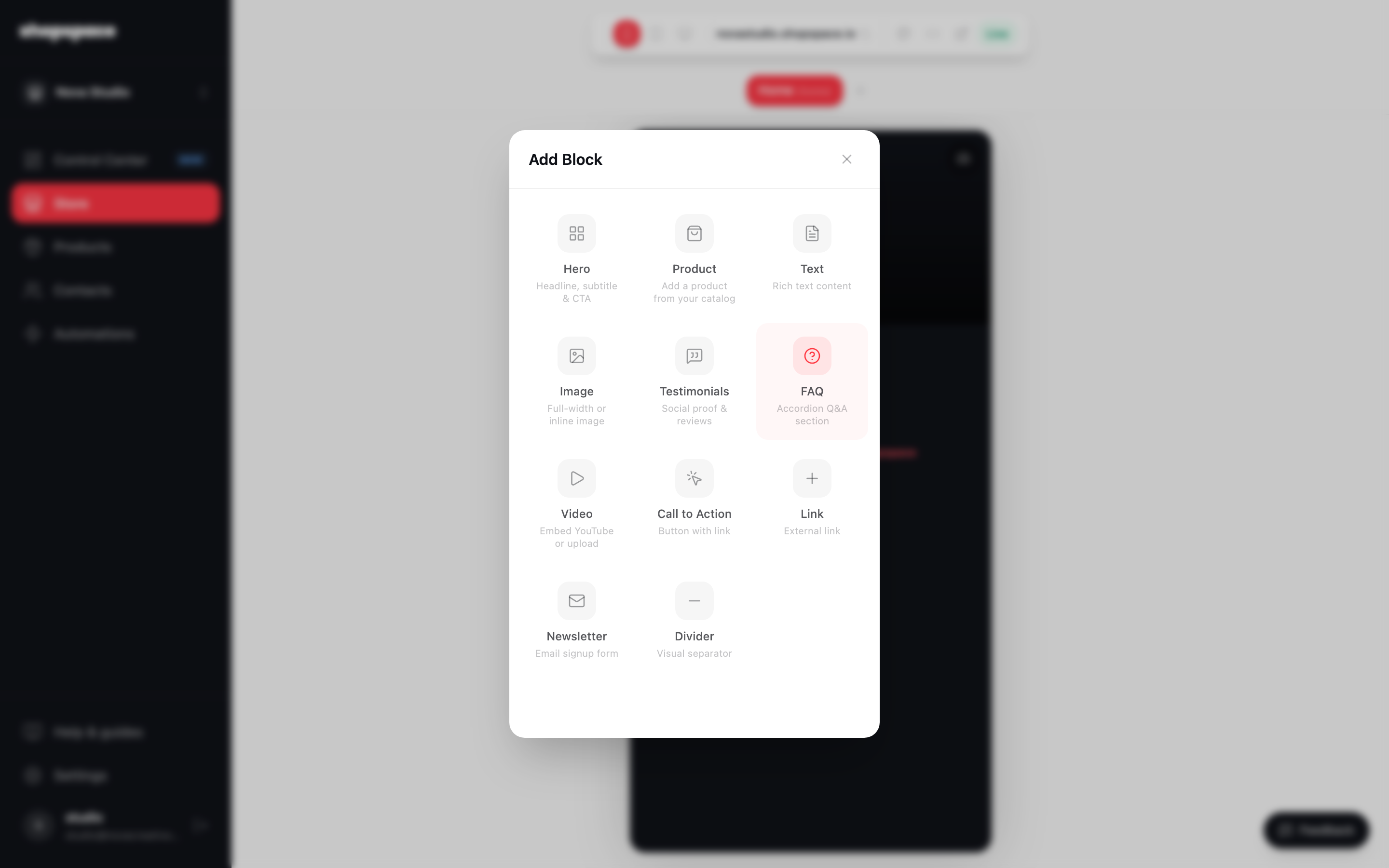
Click Add block to open the block library. Add a Product to feature something from your catalog, or a Text block, an Image, Testimonials, an FAQ, a Video, a Call to action, a Link, a Newsletter signup, or a Divider.
Arrange and edit
Blocks stack top to bottom. Drag to reorder them, click any block to edit it in place, and use the page tabs at the top to add more pages to your store, like a Members page. Everything saves as you go.
Good to know
- Lead with your best product near the top. Most visitors decide in the first screen.
- A short FAQ block answers the questions that stop people from buying, right where they are looking.