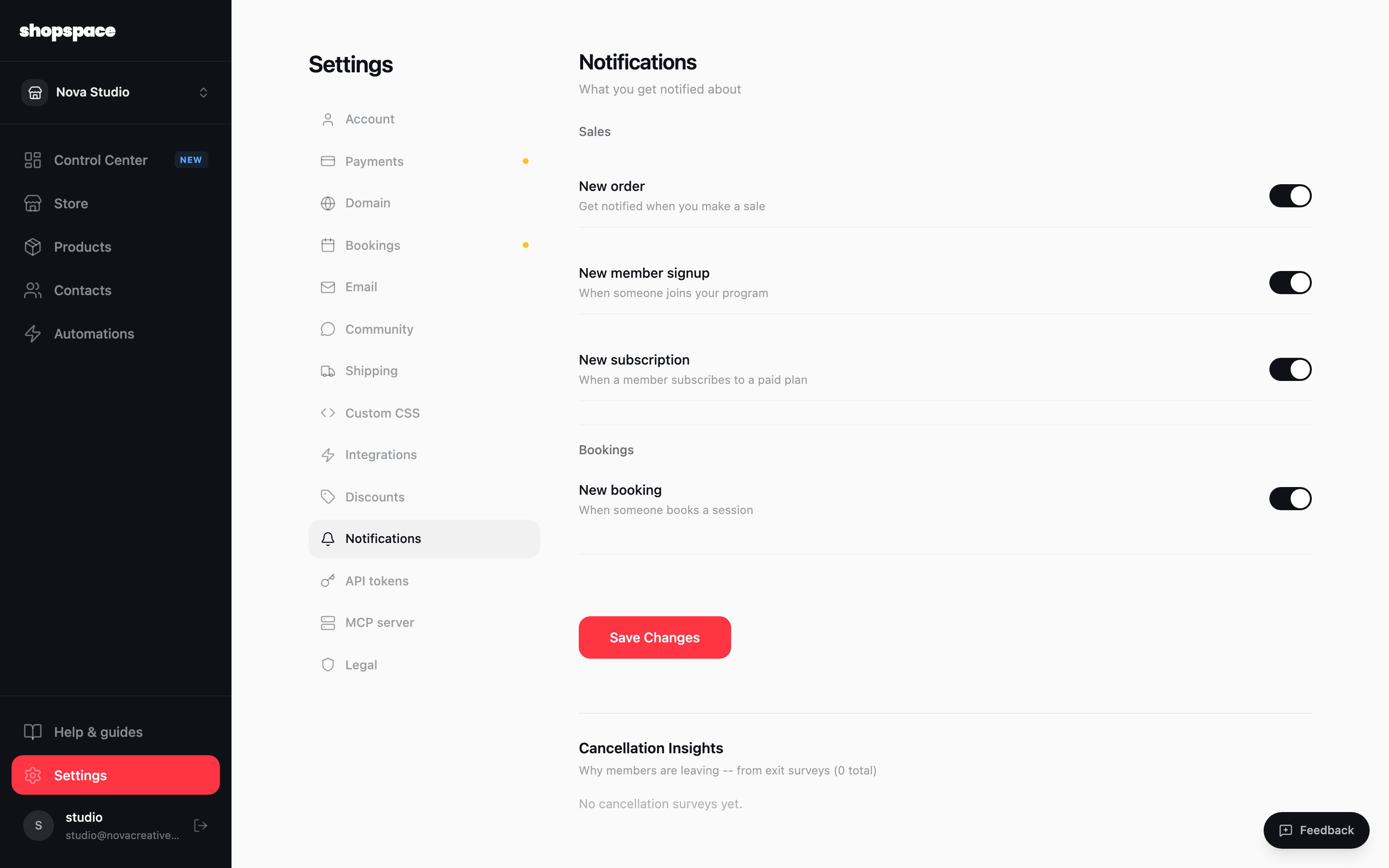
Notifications control which events email you. Turn on the ones that matter so you hear about sales and signups without watching a dashboard.
2 min · 2 steps
1
Open Settings and go to Notifications
From the left menu choose Settings, then the Notifications tab.
2
Toggle what you want to hear about
Switch on New order for every sale, New member signup and New subscription for your membership, and New booking when someone reserves a session. Click Save Changes.
Good to know
Keep New order on so you feel the momentum and can thank buyers personally early on.
The Cancellation Insights section shows why members leave, based on their exit survey answers.