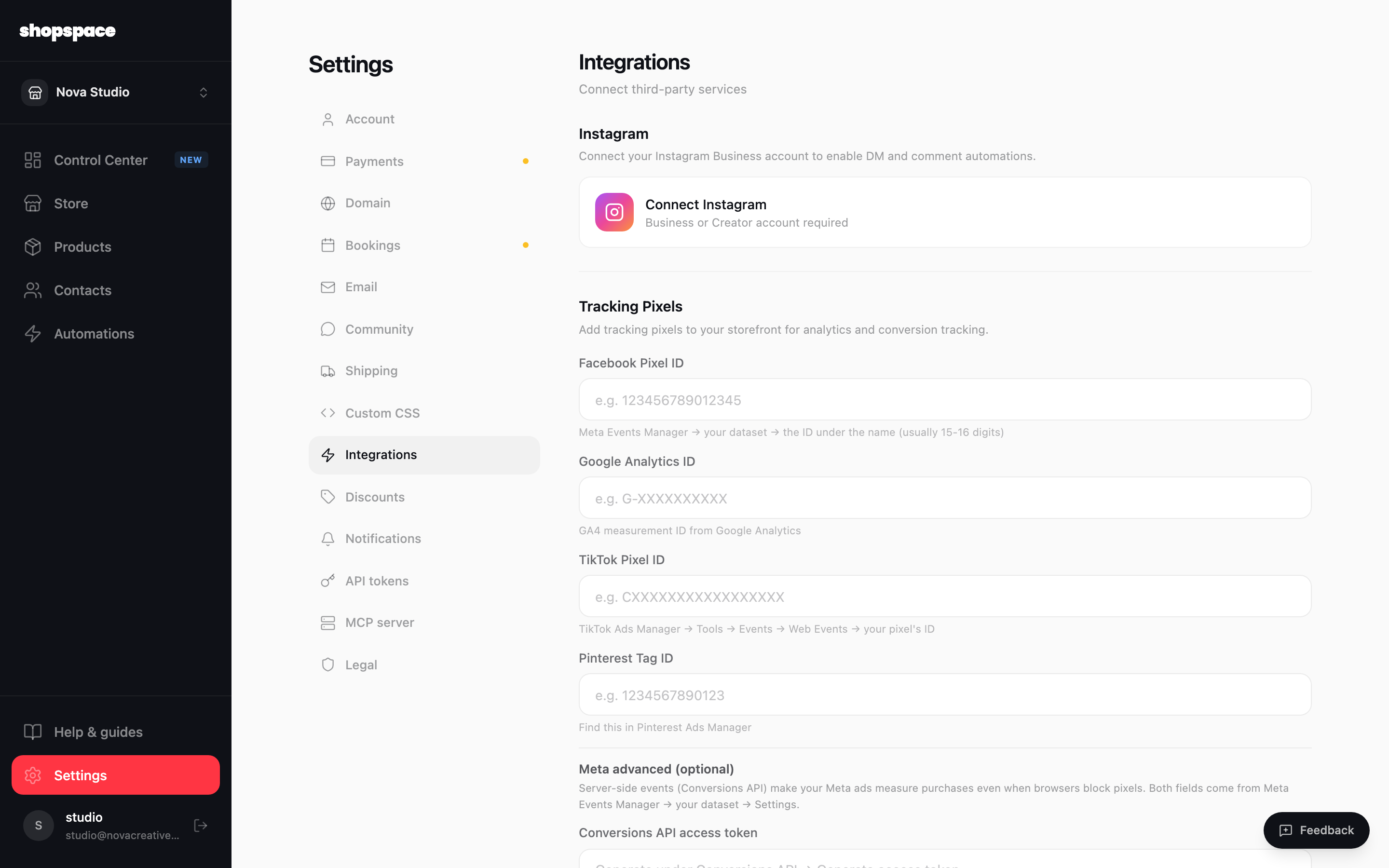
The Integrations tab is where you connect outside tools: your Instagram account for automations, and tracking pixels so your ads and analytics can measure what happens on your store.
4 min · 3 steps
1
Open Settings and go to Integrations
From the left menu choose Settings, then the Integrations tab.
2
Connect Instagram
Click Connect Instagram and sign in. You need an Instagram Business or Creator account. Once connected you can build DM and comment automations from the Automations page.
3
Add your tracking pixels
Paste in your Facebook Pixel, Google Analytics, TikTok Pixel, or Pinterest Tag IDs to measure traffic and conversions. For Meta ads, add the Conversions API token too, so purchases still register when browsers block pixels. Each field tells you exactly where to find the value.
Good to know
Set up your pixels before you run any ads, so every click and sale is measured from day one.
Instagram automations need a Business or Creator account. You can switch your account type for free in the Instagram app.