shopspace can watch your Instagram and reply for you. When someone comments a keyword or sends a DM, it can reply, send them a link, and capture their email. Here is how to set one up.
5 min · 4 steps
1
Connect your Instagram account
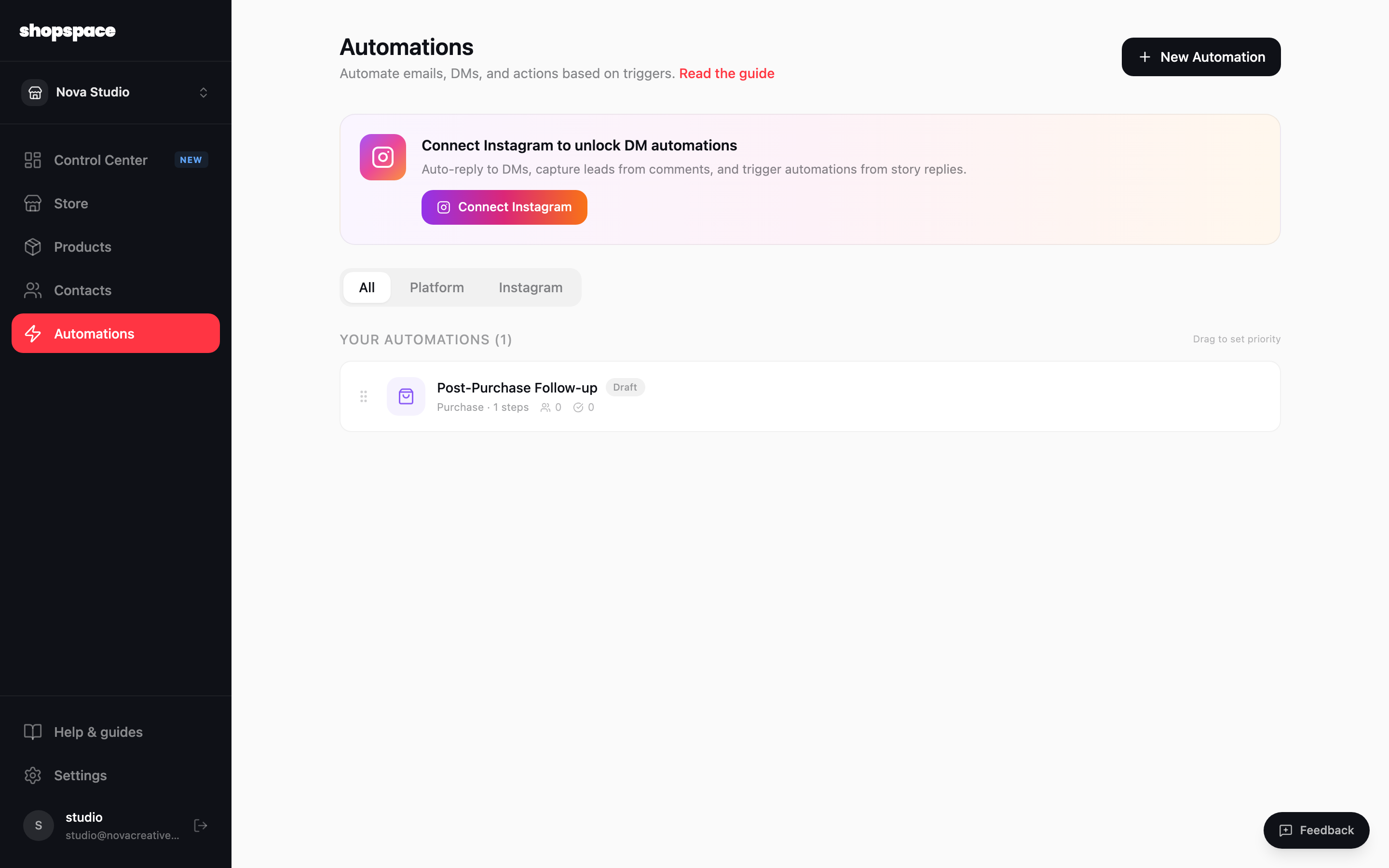
On the Automations page, click Connect Instagram, or connect it under Settings, Integrations. You need an Instagram Business or Creator account.
2
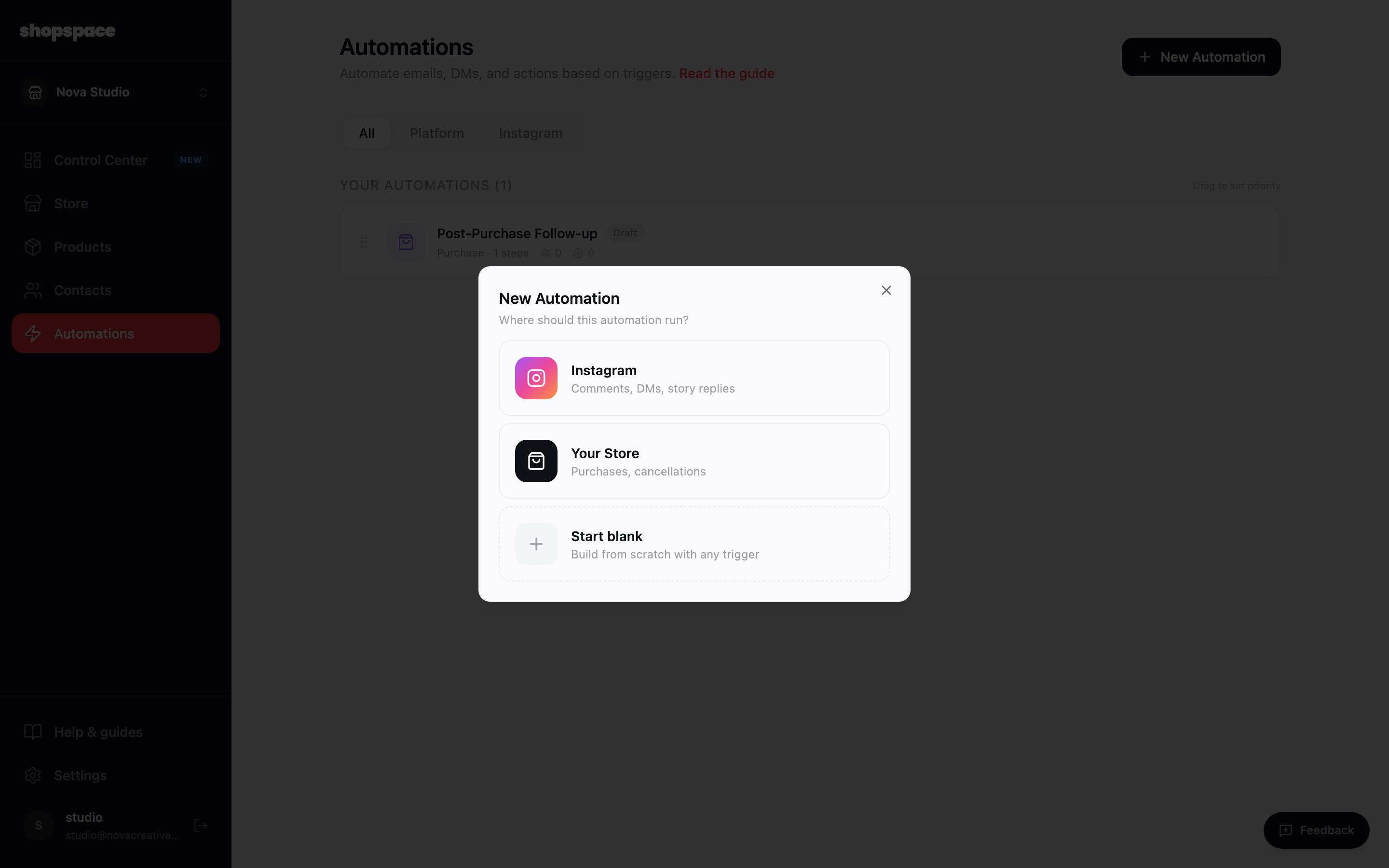
Start a new automation and choose Instagram
Click New Automation, then choose Instagram as where it runs.
3
Pick what triggers it
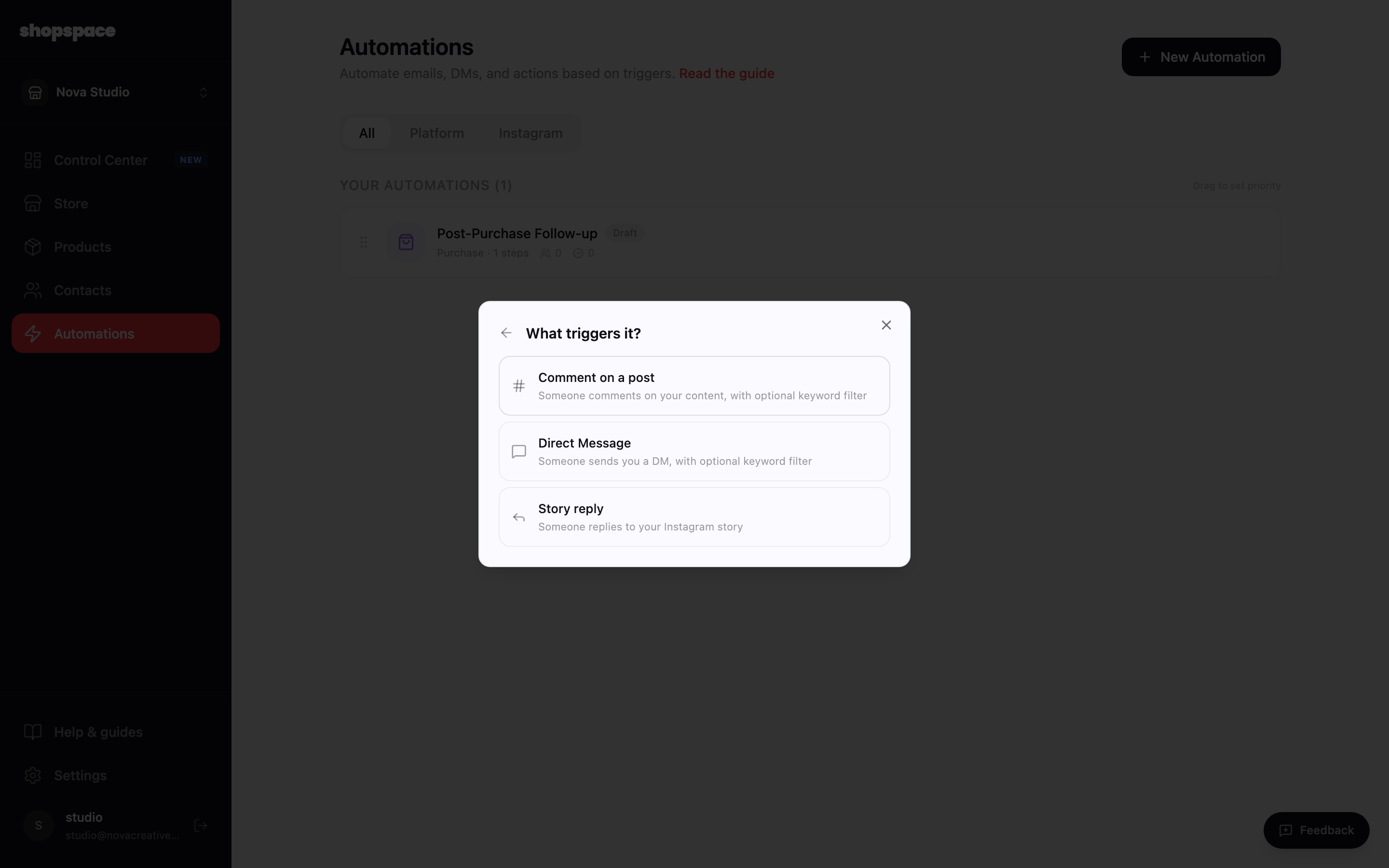
Choose Comment on a post, Direct Message, or Story reply. Each can watch for a keyword, like the word SHOP.
4
Start from a template
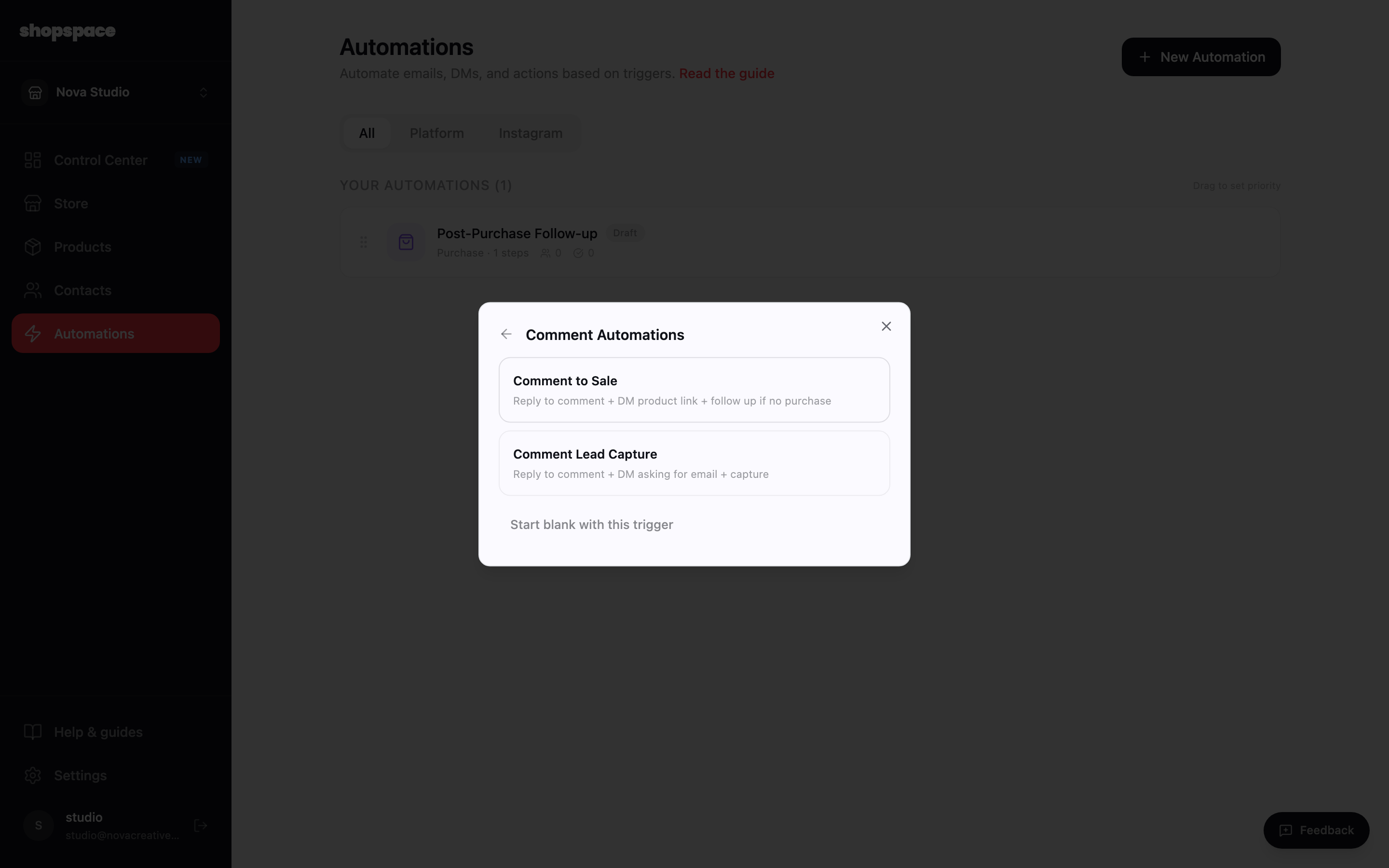
Pick a ready-made flow like Comment to Sale (reply to the comment, DM the product link, follow up if they do not buy) or Comment Lead Capture (DM to collect their email). Adjust the steps in the builder, then activate.
Good to know
The classic move: post something and say comment a word to get the link. The automation DMs it instantly.
Keep the keyword simple and tell people exactly what to comment. One clear word works best.