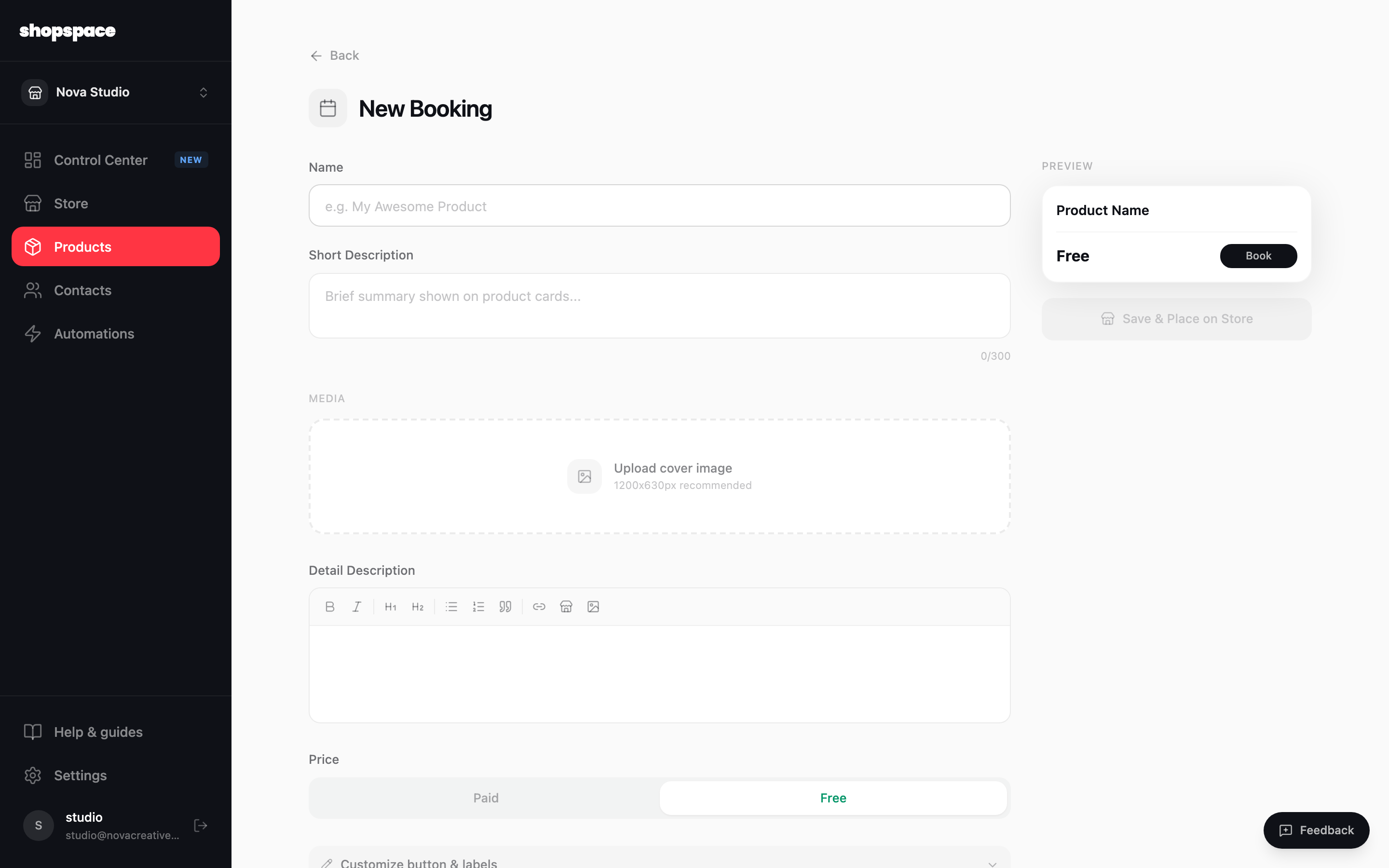
A booking product lets customers pay for and schedule time with you: a call, a coaching session, a consultation. You set the length and when you are available, and shopspace handles the calendar.
4 min · 3 steps
1
Add a product and choose Booking
Go to Products, click Add Product, and pick Booking. Name it and set the price.
2
Set the length and availability
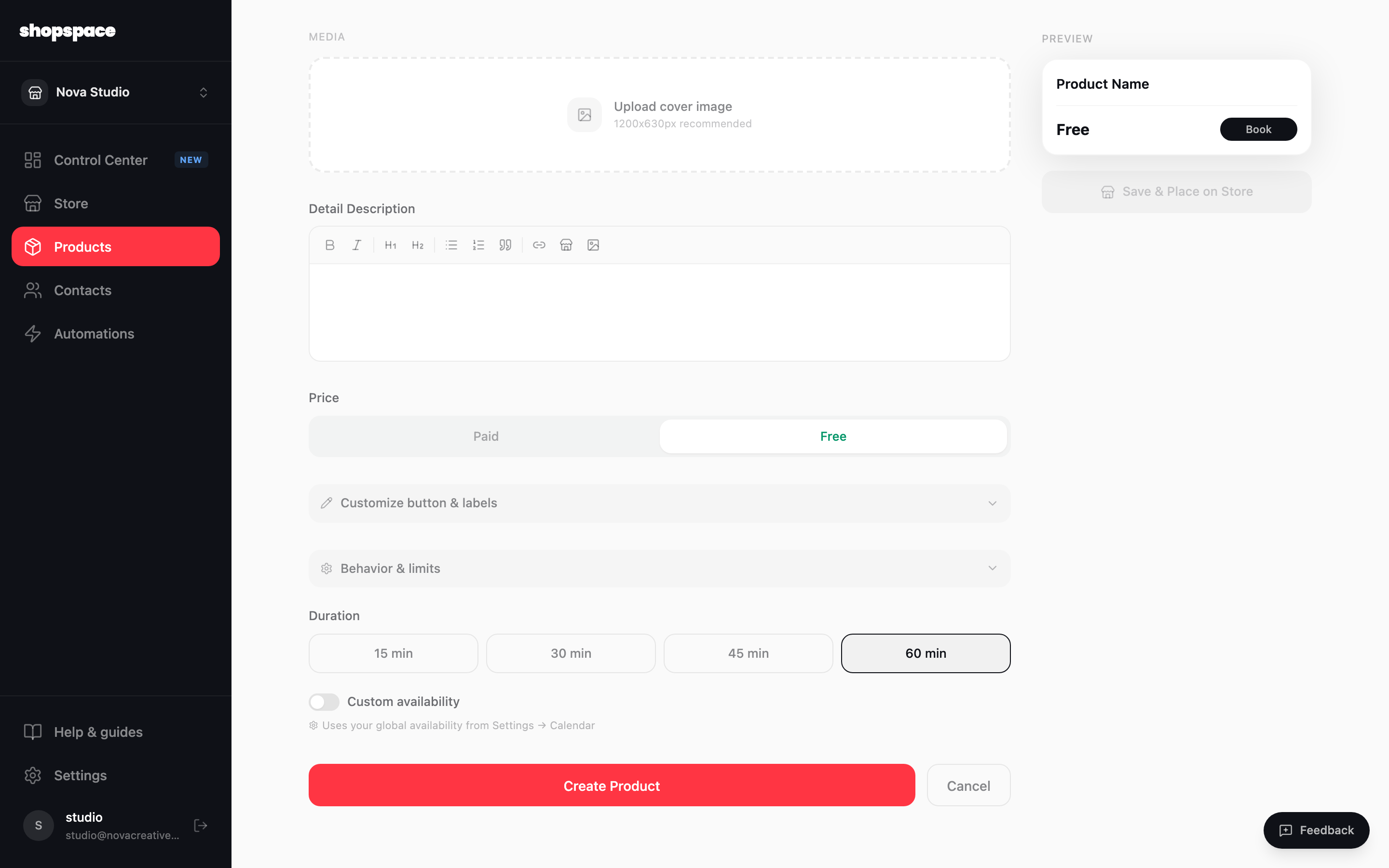
Choose how long each session runs (15, 30, 45, or 60 minutes, or custom). Bookings use your global availability, which you set once under Settings, Bookings. Connect a video tool in Integrations so each booking gets a meeting link automatically.
3
Create and share
Click Create Product and place it on your store. Customers pick an open slot, pay, and get a confirmation with the call details.
Good to know
Set your availability once in Settings so every booking product respects the same hours.
Connect Google Meet or Zoom in Integrations so a link is created for each booking with no manual step.