Connect your store to AI
shopspace has a built-in MCP server that lets AI agents like Claude control your store the same way you would. You can ask in plain language to create a product, redesign a page, generate images, or run an A/B test, and the agent does it across dozens of tools. There are two ways to connect.
Connect Claude.ai (web) in one click
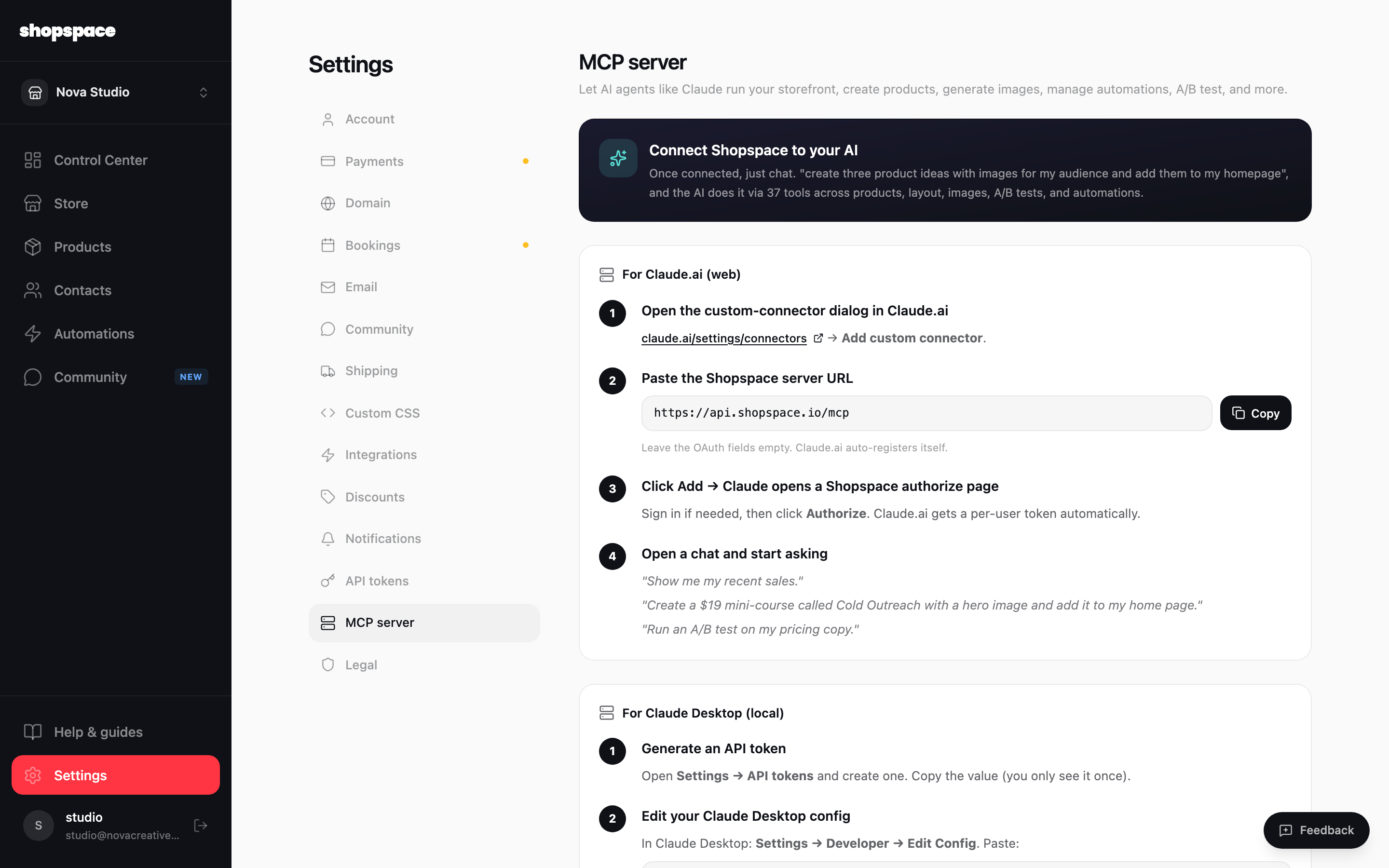
Open Settings, then MCP server. In Claude.ai open the custom connector dialog and paste your server URL (https://api.shopspace.io/mcp). Click Add, then Authorize on the shopspace page that opens. Claude gets its own token automatically, no config files needed.
Or create an API token for local tools
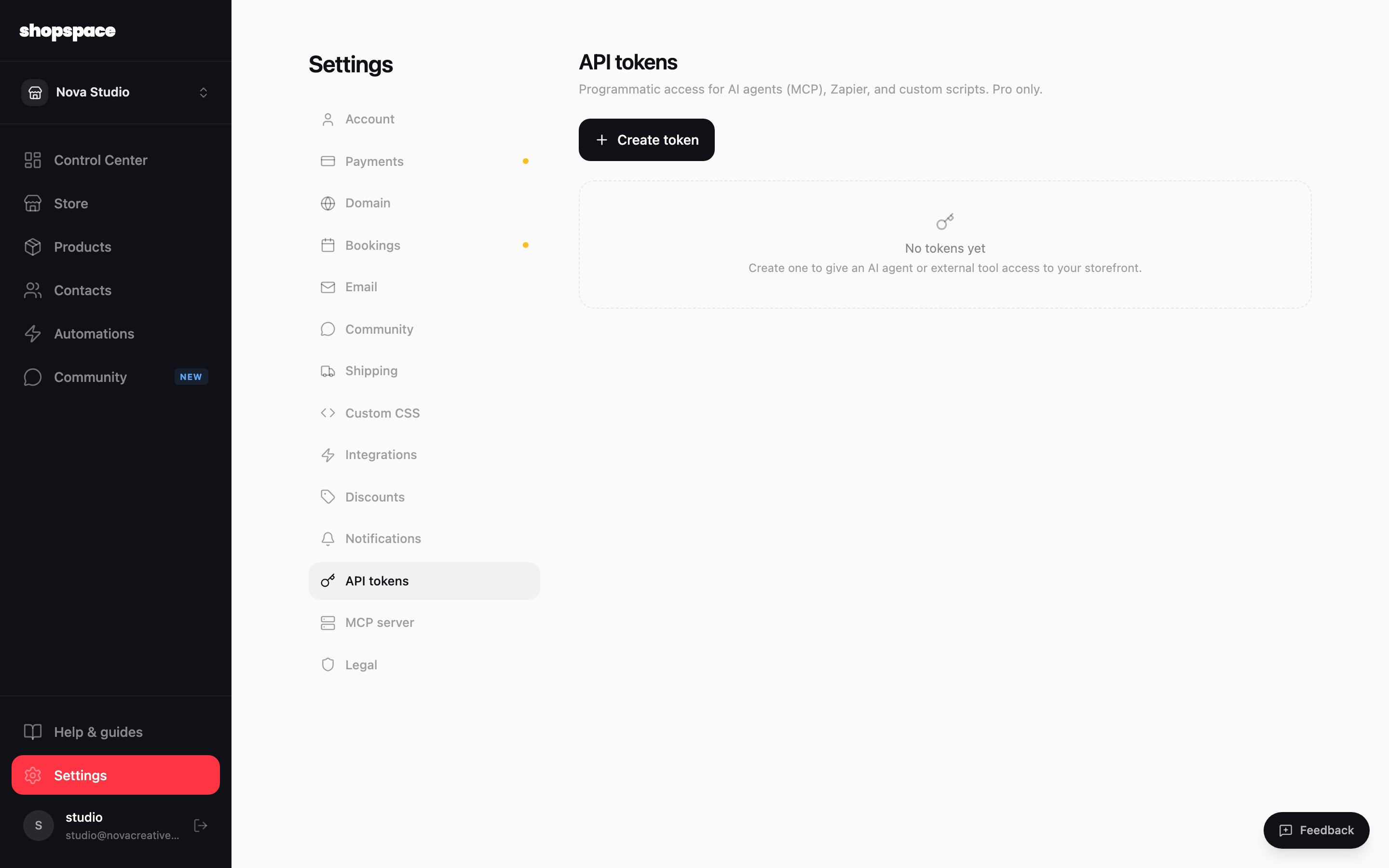
For Claude Desktop, Cursor, or your own scripts, open Settings, then API tokens, and click Create token. Copy the value once (you only see it that one time) and paste it into your tool's config. Tokens give programmatic access to your storefront.
Start asking
Once connected, just chat. Try "show me my recent sales", "create a $19 mini-course called Cold Outreach with a hero image and add it to my home page", or "run an A/B test on my pricing copy". The agent handles the rest.
Good to know
- The connection covers dozens of tools across products, pages, images, A/B tests, and automations.
- API tokens are a Pro feature. Keep them secret and delete any you no longer use.