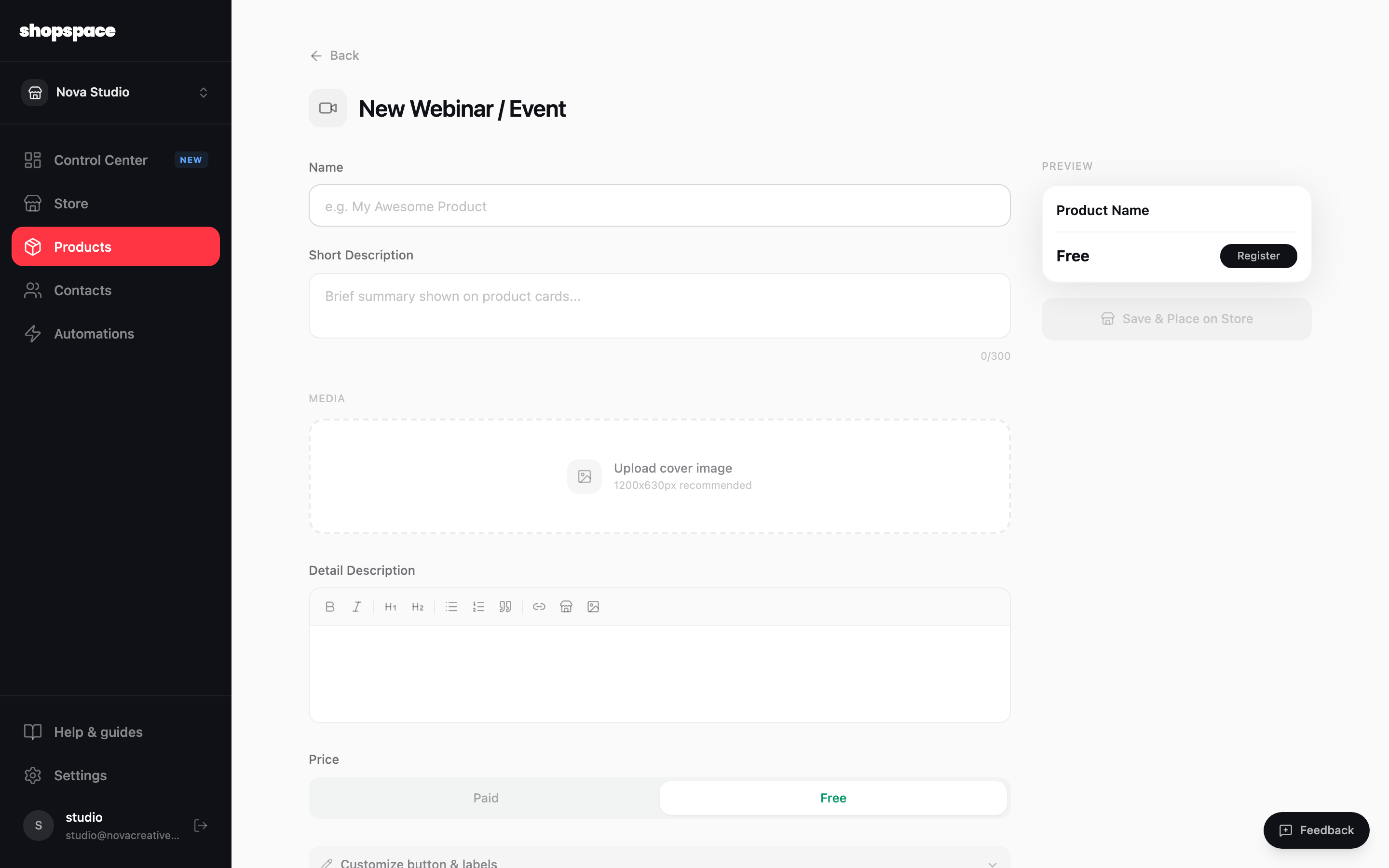
A webinar or event product sells access to something happening at a set time, live or recorded. Customers register, and shopspace sends them the details.
4 min · 3 steps
1
Add a product and choose Webinar / Event
Go to Products, click Add Product, and pick Webinar / Event. Name it and set a price, or make it free to grow your list.
2
Set the date and join link
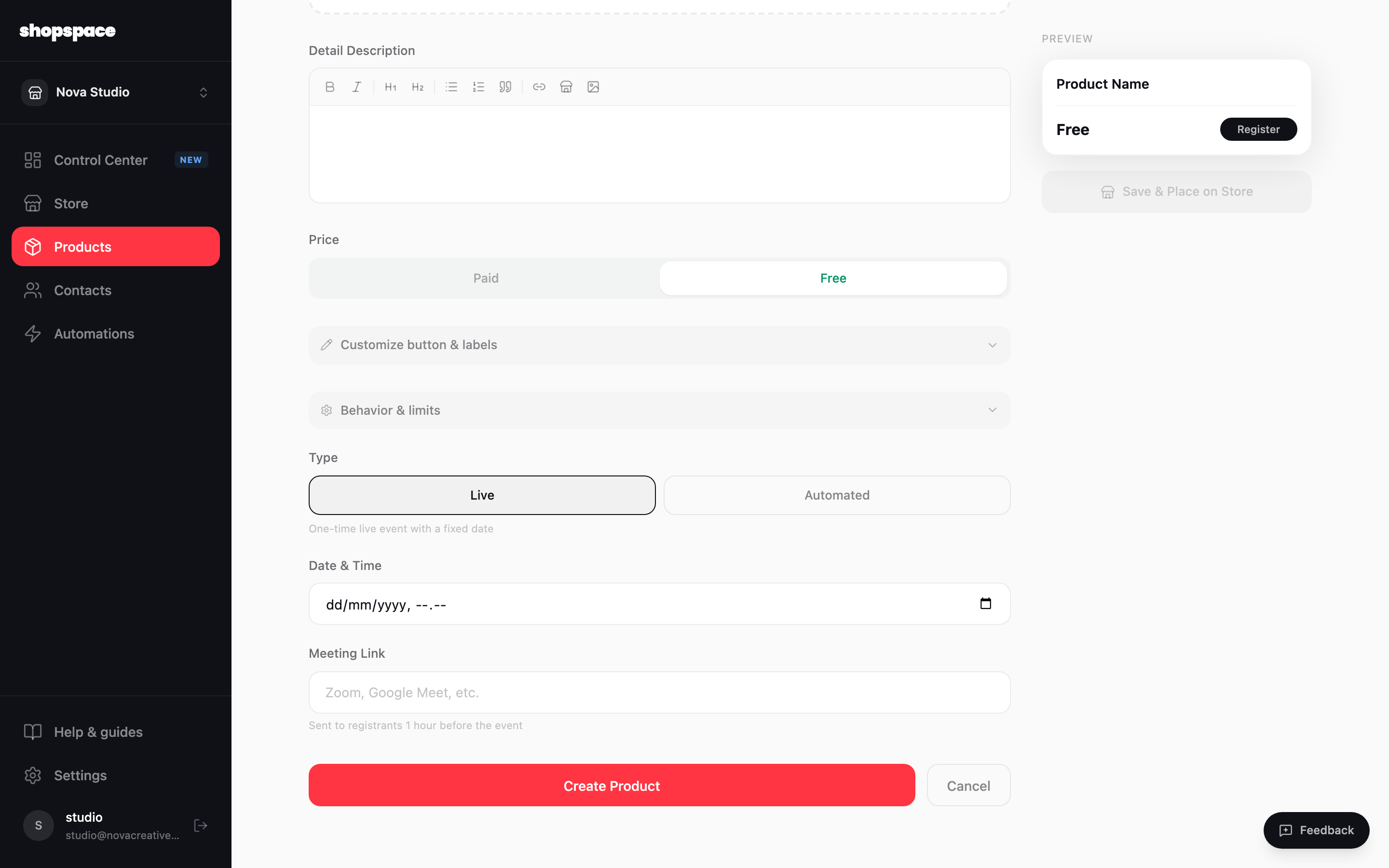
Choose whether it is a one-time live event with a fixed date or a recurring one. Set the date and time and add the meeting link, which is sent to everyone who registers.
3
Create and promote
Click Create Product and place it on your store. Registrants get a confirmation, and you can add an automation to remind them before it starts.
Good to know
A free webinar is a strong lead magnet. You collect emails now and can pitch a paid offer at the end.
Pair it with an automation that sends a reminder an hour before, so more registrants actually show up.