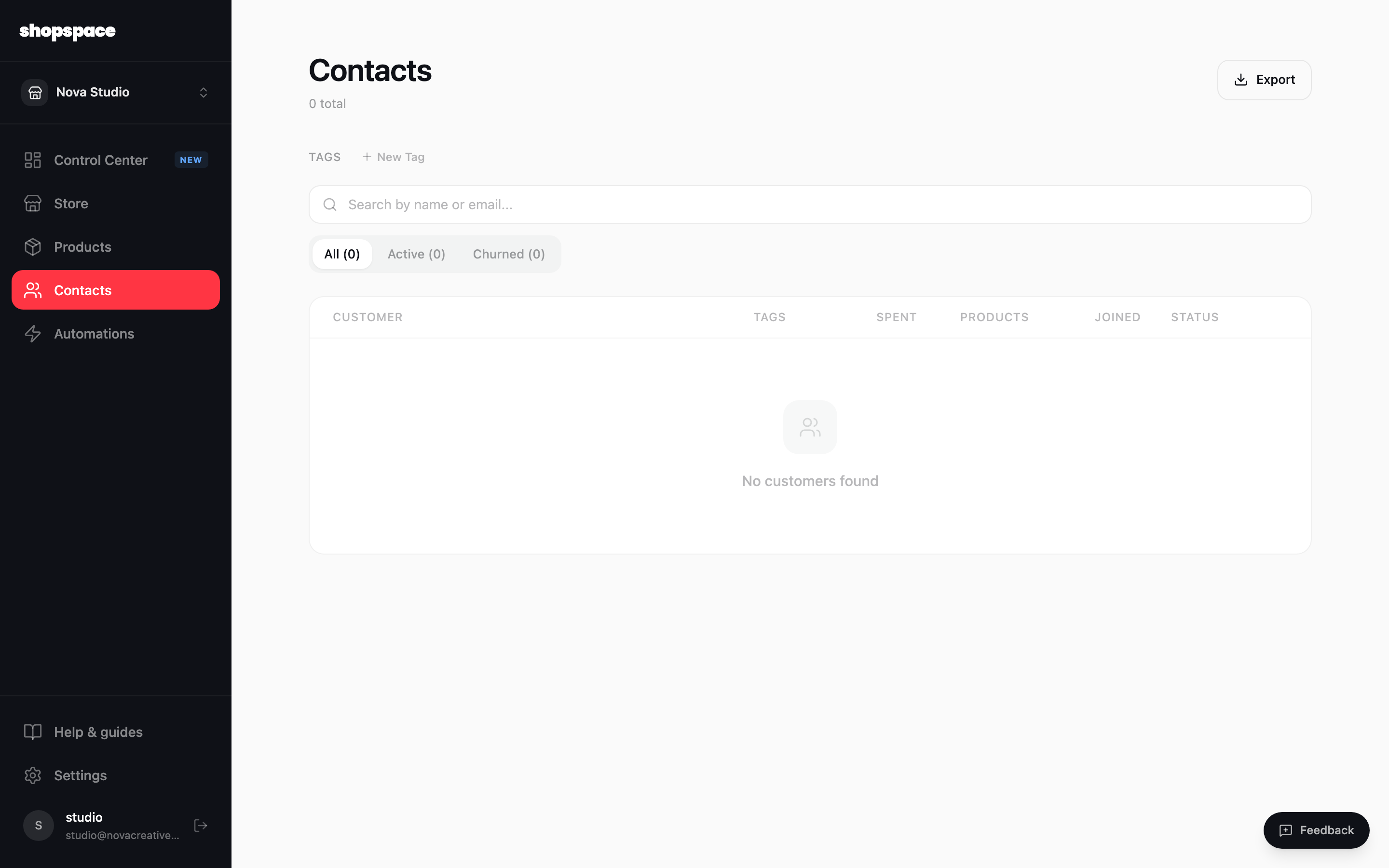
Contacts is everyone who has bought from you or joined your list. It fills automatically as people check out or download a lead magnet, and you can search, tag, and export them.
2 min · 3 steps
1
Open Contacts
Choose Contacts in the left menu. Every customer and subscriber shows here with what they spent, which products they have, and when they joined.
2
Tag and filter
Create tags to group people, like a course cohort or your VIPs, and filter by All, Active, or Churned. Tags can also be added automatically by an automation.
3
Export when you need to
Click Export to download your contacts as a file, for a backup or to use in another tool.
Good to know
Tag customers by what they bought, then trigger automations off those tags for targeted follow-ups.
Your contact list is the asset you own. Grow it with lead magnets and keep emailing it.