Beyond the main product types, shopspace has a few more ways to sell and share. Each is a product type you add the same way, from Products then Add Product.
3 min · 3 steps
1
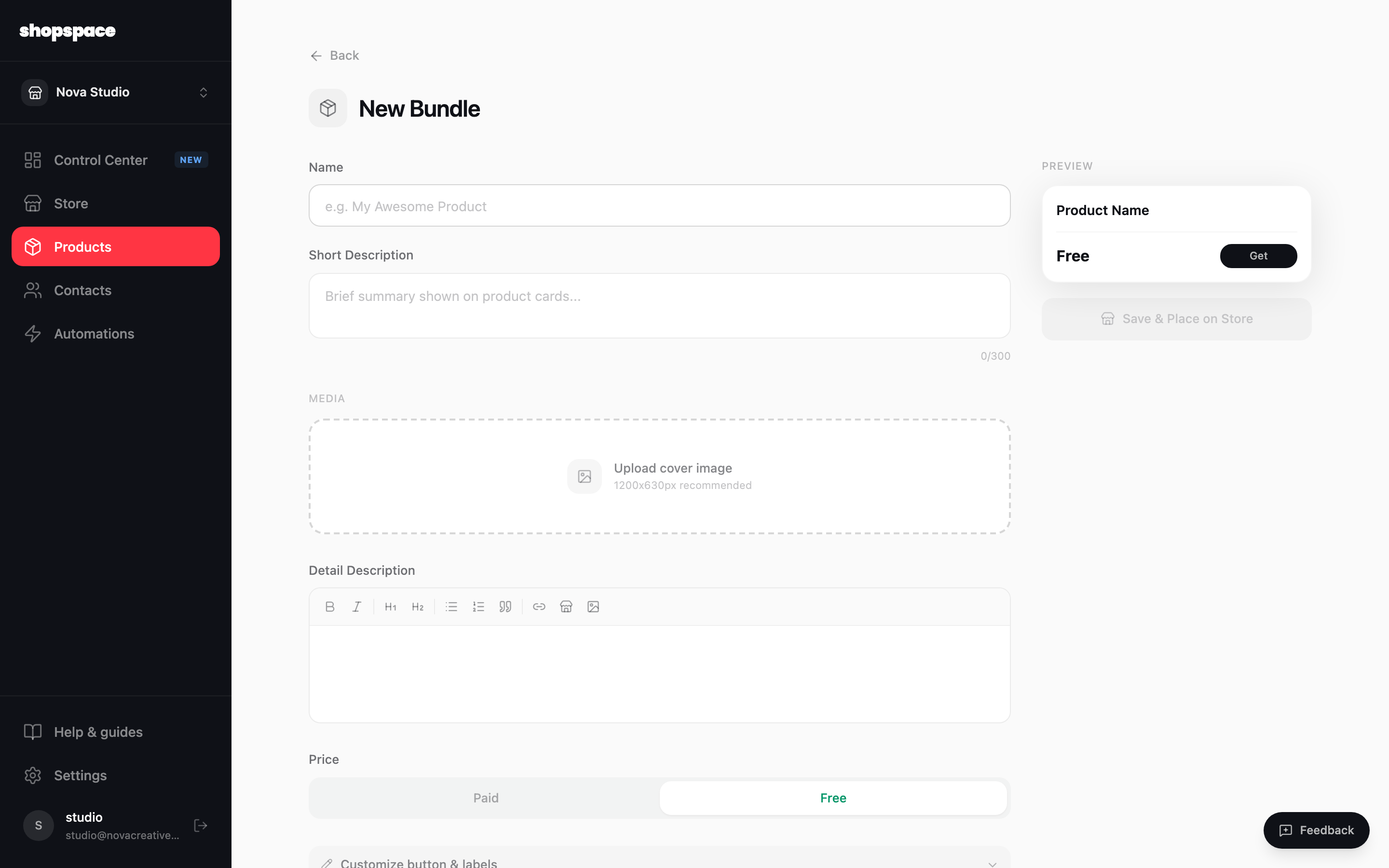
Bundle products at a discount
Pick Bundle to group several products and sell them together for less than buying each on its own. Great for a starter pack or a complete collection.
2
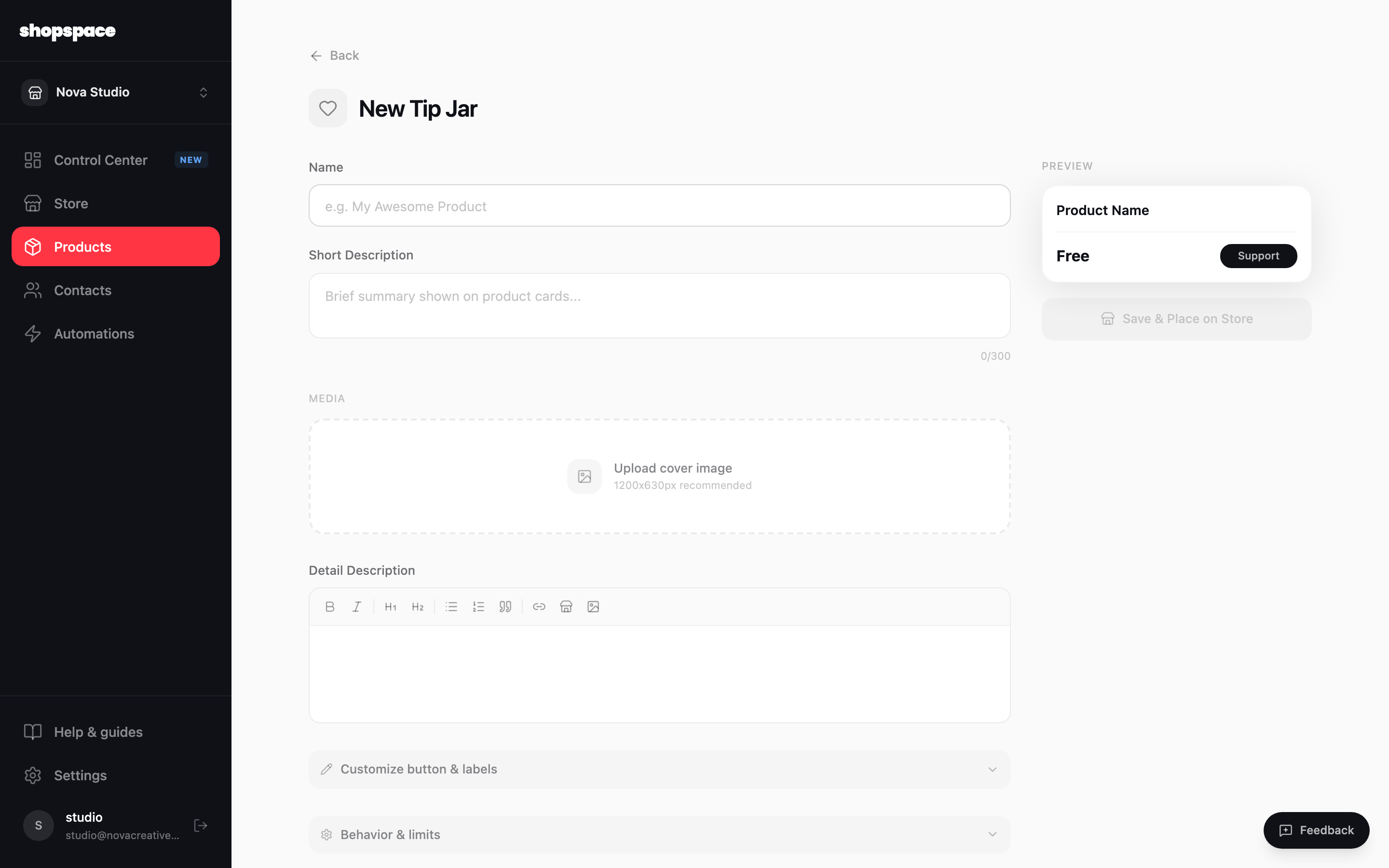
Let fans support you with a Tip Jar
Pick Tip Jar to accept one-off support. You can suggest a few amounts and let people enter their own.
3
Link to anything
Pick External Link to add a button that points anywhere, or Affiliate Product to promote another creator’s product with your own link. Both look like products on your store but send people off-site.
Good to know
A bundle raises your average order value. Show the savings clearly so the deal is obvious.
Use External Link for things you do not sell here yet, like a podcast, a YouTube channel, or a waitlist.